
How to Create a Character Logo with Text-to-Logo AI
Contents
- The Problem No One Tells You About Character Logos
- What Is a Character Logo — and Why Does Your Brand Need One?
- Why Text-to-Logo AI Is the Smartest Way to Create a Character Logo
- Step-by-Step Guide: How to Create a Character Logo with Text-to-Logo AI
- Real-World Scenarios: Who's Already Using Character Logos This Way?
- FAQ — Character Logo Questions, Answered
- Your Character Logo Starts with One Sentence
The Problem No One Tells You About Character Logos
You have a crystal-clear picture in your head. A bold fox. A quirky robot. A cheerful bear holding a coffee cup. You know exactly what your brand should feel like — you just can't seem to get it out of your head and onto a screen.
So you hire a designer. You write a brief. You wait a week. You get back something that looks like a corporate clip-art disaster, spend three revision rounds explaining that "no, more personality, less corporate," and eventually settle for something that's fine but not yours. Sound familiar?
Here's what nobody mentions upfront: the problem isn't the designer's skill — it's the translation gap between your vision and their execution. A character logo — an illustrated figure that carries your brand's personality — is one of the most memorable brand assets you can own. And today, you can create one in under 30 seconds by typing exactly what you see in your head. That's what LogoCreator's text-to-logo tool was built for.
What Is a Character Logo — and Why Does Your Brand Need One?
Before we get into the how, let's make sure we're on the same page about the what.
Character Logo vs. Wordmarks vs. Abstract Icons
Most logos fall into one of three buckets. A wordmark is pure typography — think Google or Coca-Cola. An abstract icon is a geometric or symbolic mark — think Nike's swoosh or Apple's apple. A character logo is something different entirely: it features an illustrated figure — an animal, a person, a mascot, or a creature — as the visual centerpiece.
The difference matters more than you might think. Wordmarks ask people to read. Abstract icons ask people to recognize. Character logo ask people to feel something. They trigger emotional responses — warmth, excitement, trust, humor — in a way that a geometric shape simply cannot. That's why the Michelin Man has outlasted a hundred logo redesigns, and why KFC's Colonel Sanders is more recognizable than the brand name itself in many markets.
From a cross-cultural standpoint, character logo also travel better. A wordmark requires literacy in a specific language. A character logo communicates personality across language barriers — a fierce wolf reads as "powerful" whether you're in Tokyo, São Paulo, or Toronto.
Which Brands Actually Benefit from a Character Logo?
Not every brand needs a character. But if your brand falls into any of these categories, it's worth taking seriously:
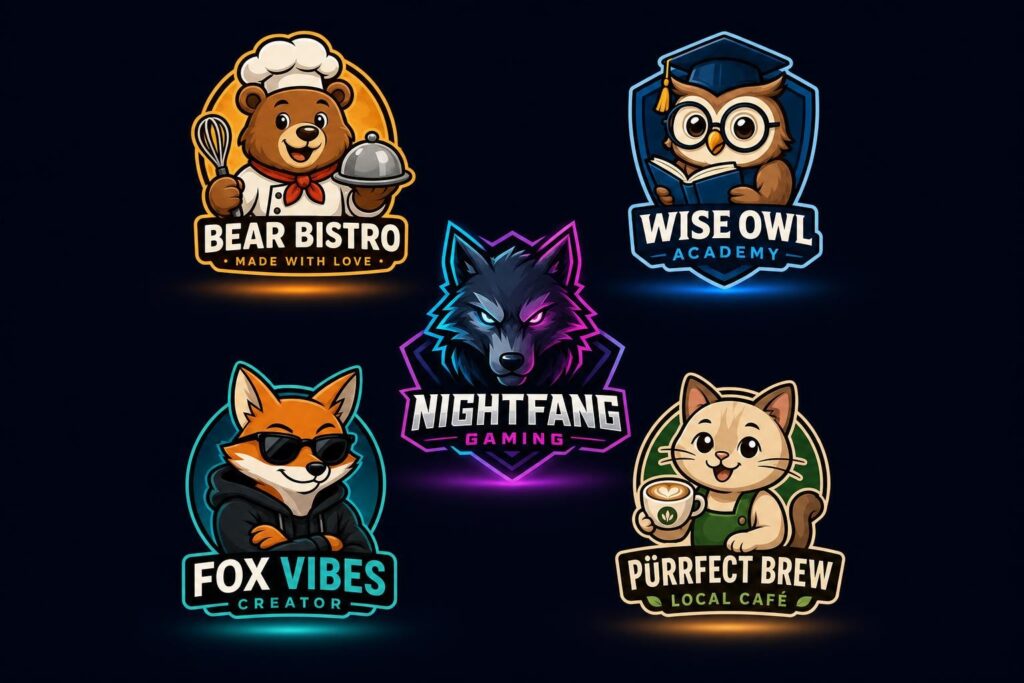
Food and beverage brands live or die on emotional connection. A friendly mascot makes a taco truck feel like a neighborhood institution, not just a food vendor. Children's and education brands use cartoon characters to build instant trust — kids connect with illustrated faces long before they can read a brand name. Gaming and esports communities run entirely on identity and personality; a character logo isn't just branding, it's an IP asset. Content creators and personal brands — especially those building a YouTube channel or Twitch stream — use character logo as visual avatars that represent their on-screen persona. And local independent businesses use them to carve out personality in a world of generic chain-brand aesthetics.
The bottom line: if you need people to recognize you rather than just know you, a character logo is your strongest move.
Why Text-to-Logo AI Is the Smartest Way to Create a Character Logo
Now that you're sold on the what , let's talk about the how — and more specifically, why the traditional route is a trap most people don't realize they're walking into.
The Traditional Route: Expensive, Slow, and Frustrating
Hiring a freelance designer for a character logo isn't just expensive — it's a communication marathon. You spend hours writing a brief, the designer spends days interpreting it, and then you spend more days going back and forth on revisions. The final product might be great. Or it might be a technically competent logo that completely misses the personality you had in mind.
Here's what that journey typically costs:
| Traditional Designer | AI Text-to-Logo
---|---|---
Cost | $300–$1,500+ | Free to start
Turnaround | 3–7 days | Under 30 seconds
Revisions | Limited by contract | Unlimited
Design control | Depends on brief quality | You steer in real time
That's not a knock on designers — great designers are worth every penny for complex brand systems. But for someone who needs a character logo maker free option to test a concept, launch a channel, or get a business off the ground, spending a week and $800 before you've made a single sale is a real barrier.
How LogoCreator's Text-to-Logo Tool Changes the Game
LogoCreator's text-to-logo tool flips the whole process on its head. Instead of writing a brief for someone else to interpret, you type what you see — and the AI builds it. The workflow is structured around five clear steps that take you from a blank slate to a downloadable brand asset without needing to know the difference between a vector and a raster file.
What makes it genuinely different from other tools:
Style range that actually covers your niche. Whether you're building a modern minimalist mascot, a vintage badge character for a craft brewery, a neon gaming wolf for a YouTube channel, or a luxury lion for a premium brand — the style library spans across all of it without forcing you to compromise.
Free output that's actually commercial-ready. Getting a high-resolution, commercially licensed file shouldn't require jumping through three paywall hoops. LogoCreator's output is ready for your website, social media profiles, merchandise, and more.
Unlimited variations with no pressure to commit. The biggest psychological barrier in logo design is the feeling that you have to get it right on the first try. With unlimited prompt adjustments and instant regeneration, that pressure disappears. Try "fierce wolf" and then try "friendly wolf" and see which one actually matches your vibe — for free.
Dual entry point: text-to-logo and image-to-logo. If you already have a rough sketch, a reference image, or even a photo you want to adapt, the image-to-logo function handles that entry point — making it a complete character logo creation toolkit rather than a single-use generator.
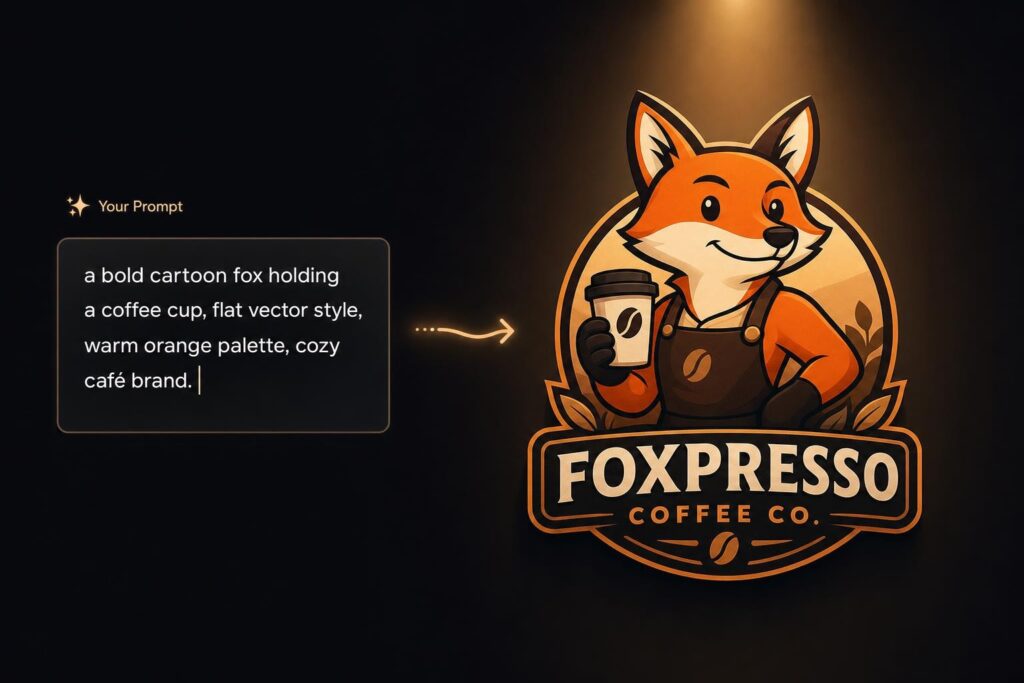
For example: type "a bold cartoon fox holding a coffee cup, flat vector style, warm orange and cream palette, for a cozy café brand" and LogoCreator's text-to-logo tool returns a finished, scalable character mark — not a generic icon, but an actual character that could anchor your entire visual identity.
Step-by-Step Guide: How to Create a Character Logo with Text-to-Logo AI
Let's get practical. Here's exactly how to go from "I have an idea" to "I have a logo."
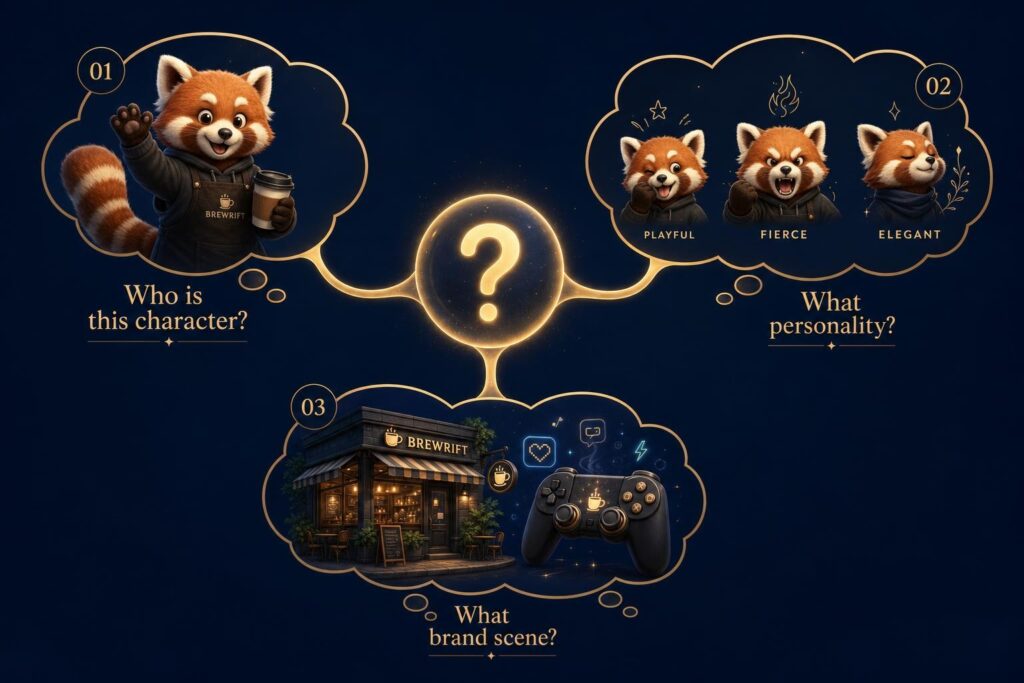
Before You Start — Define Your Character in 3 Questions
The single biggest mistake people make with text-to-logo tools is jumping straight to the generator without a clear picture in their head. The AI is powerful, but it's not psychic. Spend 60 seconds answering these three questions before you type a single word:
1. Who is this character? Get specific about the species, role, or archetype. Not "an animal" — but "a red panda" or "a vintage-style lumberjack" or "a futuristic robot chef." The more specific, the better the output.
2. What personality does it carry? Adjectives do a lot of heavy lifting here. Playful, fierce, trustworthy, quirky, elegant, rebellious — pick two or three that genuinely describe your brand's character, not what you think sounds good.
3. What brand scene does it serve? A character logo for a YouTube gaming channel looks completely different from one for a children's tutoring brand — even if both happen to feature a cartoon fox. Context shapes everything: name the industry, the audience, and the platform.
The 5-Step Workflow on LogoCreator
Step 1 — Enter Your Brand Details Start by telling LogoCreator the basics: your brand name, industry, and tagline if you have one. This isn't just administrative — it calibrates the AI's design direction before you've typed a single creative word.
Step 2 — Describe or Inspire Your Logo This is where the magic happens. Type your character description using the three-question framework above. If you have a reference image — a sketch, a mood board screenshot, a character from a game you love — you can upload it via the image-to-logo function instead. Either way, you're giving the AI a concrete creative direction rather than a vague instruction.
Step 3 — Choose Style & Brand Colors After the initial generation, refine the aesthetic. Select from style categories like modern, minimalist, gaming, luxury, or vintage. Adjust the color palette — or let the AI suggest colors based on your industry. This step is where a generic output becomes a branded output.
Step 4 — Refine Your Prompt & Preferences Here's the part most people skip — and it's why they end up with logos that are "almost right." Go back to your prompt and change one thing at a time. If the character's expression is off, add "with a confident smirk." If the colors are too muted, add "vibrant, high-contrast palette." Single-variable iteration is the fastest path to a result you actually love.
Step 5 — Generate & Download Once you're happy, download. High-resolution files, vector formats, transparent backgrounds — everything you need to apply your new character logo across your website, merchandise, social profiles, and packaging. If you need a brand kit (logo on a business card, social media template, mockup), that's available as part of the output package too.
Prompt Writing Tips for Better Character Logos
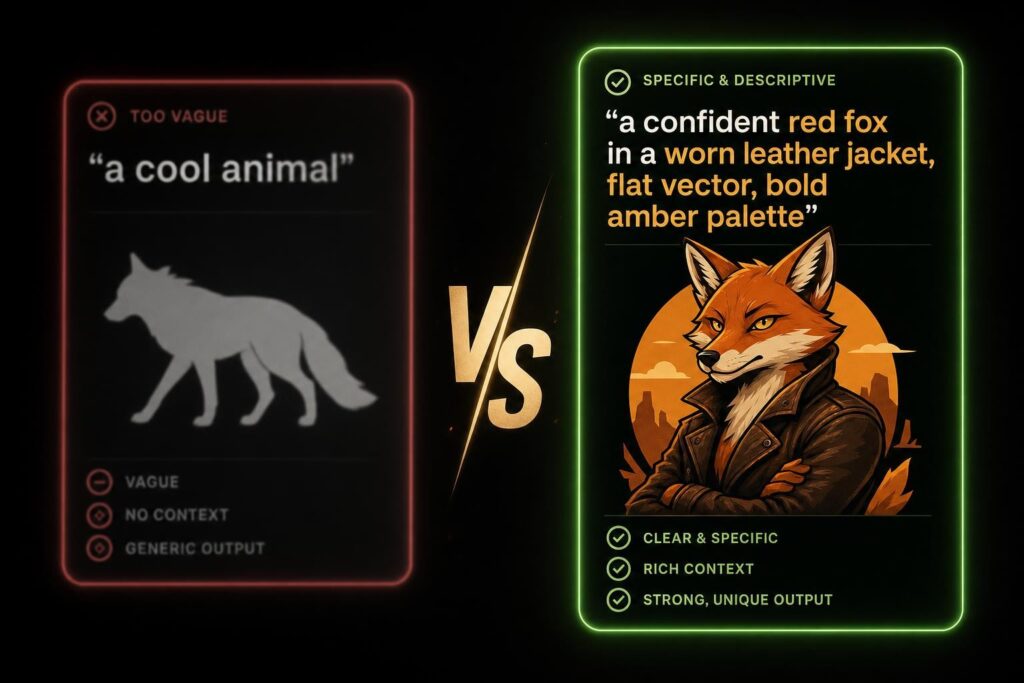
The difference between a mediocre result and a great one usually comes down to prompt quality. Here's a quick field guide:
Be specific, not vague. ❌ "a cool animal" → ✅ "a confident red fox in a worn leather jacket"
Load in personality words. The AI responds well to emotional descriptors. Words like playful, fierce, trustworthy, quirky, bold, mysterious do more design work than color names alone.
Name the use case. "for a gaming YouTube channel" and "for a children's tutoring app" will produce radically different results even with the same character description. Context is design direction.
Reference a real style. Flat vector, vintage badge, 3D cartoon, hand-drawn illustration, geometric mascot — these shorthand phrases instantly shift the AI's visual register in ways that paragraph-long descriptions sometimes can't.
Real-World Scenarios: Who's Already Using Character Logos This Way?
Theory is useful. Examples are better. Here are four real types of people using text-to-logo AI to create a character logo — and the prompts that got them there.
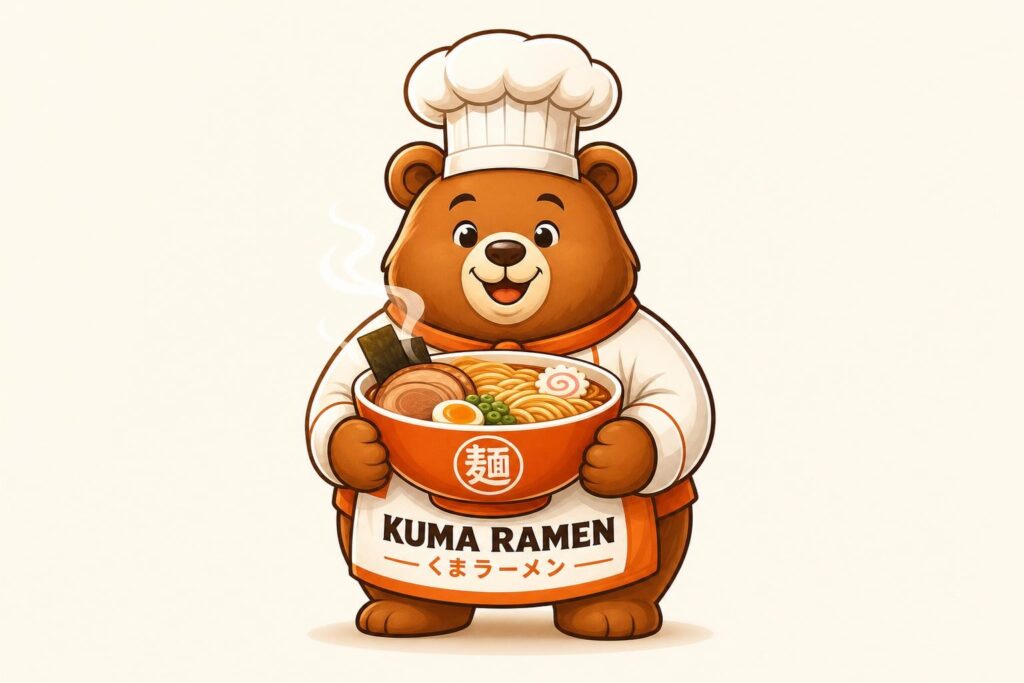
Scenario 1 — The Startup Founder Launching a Food Brand
Maria is launching a casual noodle brand targeting young urban professionals. She doesn't have a design budget yet, but she needs a mascot that feels warm, approachable, and a little playful. She opens LogoCreator, types:
"A cheerful cartoon bear chef holding a bowl of ramen, warm orange and red color palette, flat vector style, for a casual noodle brand targeted at young adults"
Three variations later, she has a character that feels like it belongs on a takeout bag, a tote, and an Instagram grid — all before spending a cent on design.
Scenario 2 — The Gaming Content Creator Building a Channel Identity
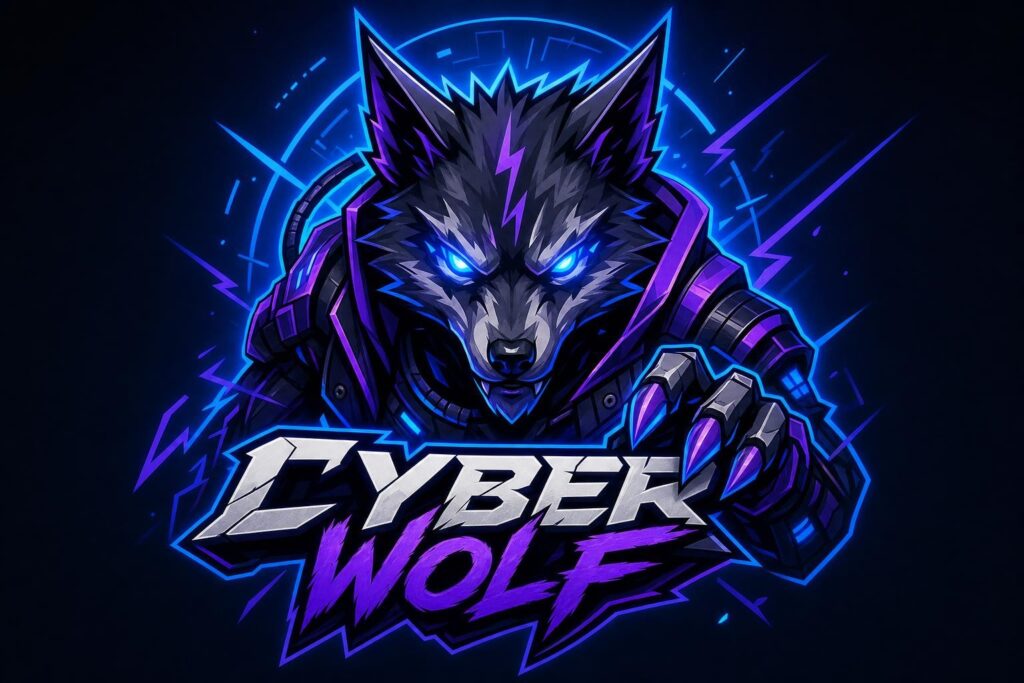
Jordan is building a gaming YouTube channel and needs a character logo for YouTube channel that screams personality. The channel is competitive, high-energy, and built around a wolf persona. The prompt:
"A fierce neon wolf with glowing electric blue eyes, cyberpunk aesthetic, dark background, aggressive posture, for a competitive gaming YouTube channel"
The result is a character logo maker free output that gets used as a channel banner, stream overlay, and Discord server icon within the same afternoon.
Scenario 3 — The Local Shop Owner Who Wants a Friendly Face
James runs an independent coffee shop in a neighborhood full of chain brands. He doesn't want to look generic — he wants a logo that makes regulars feel like they're part of something personal. He types:
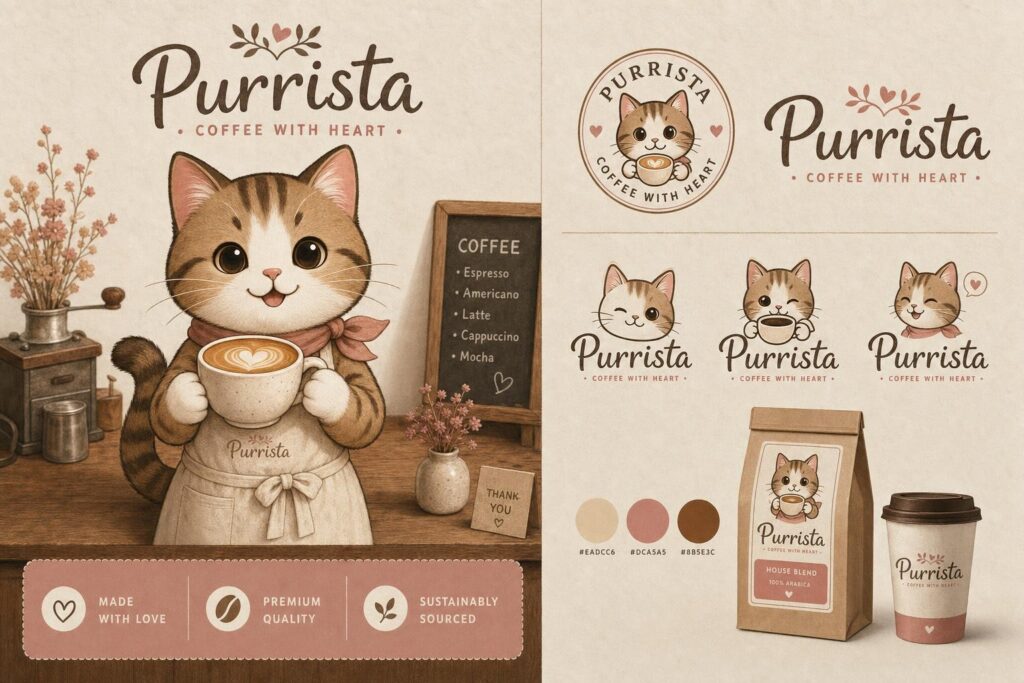
"A friendly cartoon cat barista wearing a small apron, holding a latte cup, warm cream and brown tones, minimalist flat style, for an independent neighborhood coffee shop"
The character ends up on his storefront sign, his loyalty card, and his paper cups — a recognizable face that his regulars start calling by name.
Scenario 4 — The Freelance Designer Exploring Client Concepts Fast
Sofia is a freelance designer who needs to present three distinct character logo directions to a premium men's grooming client in 24 hours. Instead of spending a full day sketching concepts, she uses LogoCreator to generate visual starting points, then refines them in Illustrator. The prompt for one direction:
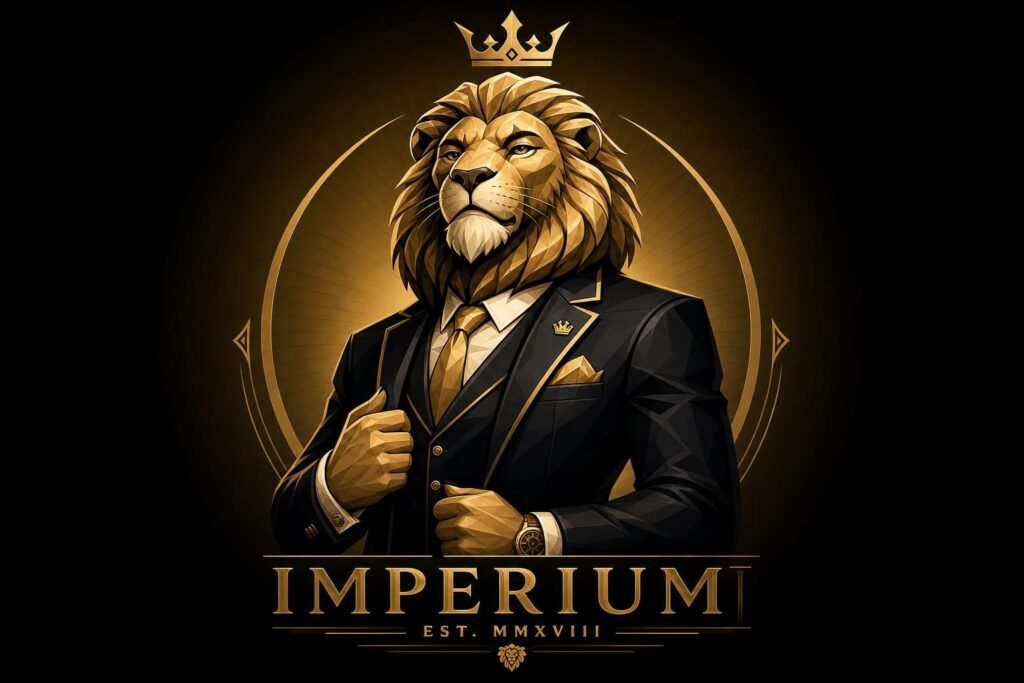
"A bold cartoon lion in a tailored suit, confident posture, luxury brand aesthetic, gold and black color palette, for a premium men's grooming brand"
What used to be a full-day sketching session becomes a two-hour concept exploration. The client picks a direction. Sofia refines it. Everyone wins.
FAQ — Character Logo Questions, Answered
What is a character logo?
A character logo is a brand mark built around an illustrated figure — an animal, person, mascot, or creature — that serves as the personality carrier for the brand. Unlike abstract logos or wordmarks, a character logo convey specific emotional traits (playfulness, strength, warmth) and are designed to be immediately recognizable and memorable.
How does text-to-logo AI actually work?
You type a description of your desired logo — including the character, style, colors, and brand context — and the AI interprets the design intent behind your words. It draws on trained models to translate phrases like "vintage cartoon bear for a craft brewery" into coherent visual designs with consistent style, composition, and color logic.
What makes a good prompt for a character logo?
The best prompts combine specificity about the character (who, what personality), visual style direction (flat vector, vintage, geometric), a color indication (warm earthy tones, neon palette), and a use case (for a gaming channel, for a kids' brand). Vague prompts produce generic results; specific prompts produce distinctive ones.
What industries work best with a character logo?
Food and beverage, children's education, gaming and esports, personal brands and content creators, sports teams, entertainment, local independent businesses, and any brand that needs to communicate warmth, personality, or a strong point of view. If your brand has a "vibe," a character logo can express it.
Can I use a character logo for my YouTube channel or Twitch stream?
Absolutely — a character logo for a YouTube channel is one of the most effective uses of this logo type. It becomes your profile picture, your banner anchor, your stream overlay, your merchandise graphic, and your community's visual identity all at once. Channels with strong mascots tend to build communities faster because viewers have a visual "face" to attach to the brand.
Can I create a character logo without any design experience?
Yes. Text-to-logo tools are built specifically for this scenario. You don't need to know design software, color theory, or typography rules. You need to know what your brand feels like — and be able to describe it in a sentence or two. The AI handles the visual translation.
How many logo variations can I generate?
With LogoCreator, you can generate and regenerate as many times as you need before downloading. Each prompt adjustment produces a new set of options. There's no cap on how many concepts you explore — so you can try five versions of "fierce wolf" before deciding which one is actually the one.
Can I use an AI-generated character logo for commercial purposes?
Yes. Logos downloaded under a paid plan come with full commercial usage rights — meaning you can use them on products, websites, packaging, merchandise, and marketing materials without licensing restrictions.
Your Character Logo Starts with One Sentence
Here's the part nobody tells you when you start looking at logo design: the hardest part isn't the design itself. It's knowing what you want clearly enough to describe it. Everything after that — the style choices, the color adjustments, the file formats — is logistics.
You no longer need to wait days for a designer, learn Illustrator, or settle for a template that looks like everyone else's. You need one sentence: who your character is, what personality they carry, and what brand they represent. Type it, generate, iterate, and own it.