Upload a JPG, PNG, or WebP Logo
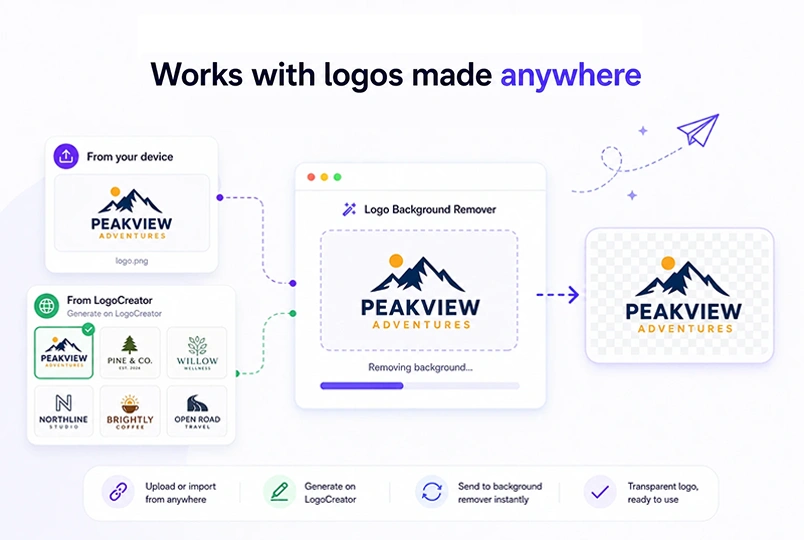
Click to upload or drag a JPG, JPEG, PNG, or WebP logo into the workspace. You can also bring a logo in from the homepage — it will land in a ready state so you can preview before running the removal.

Upload a JPG, PNG, or WebP logo to the logo background remover and remove its background in seconds. Download a clean transparent PNG for websites, social media, packaging, and other brand assets.
Upload a logo
Don't have a logo yet? Create one with our AI Logo Creator.
See the difference before and after


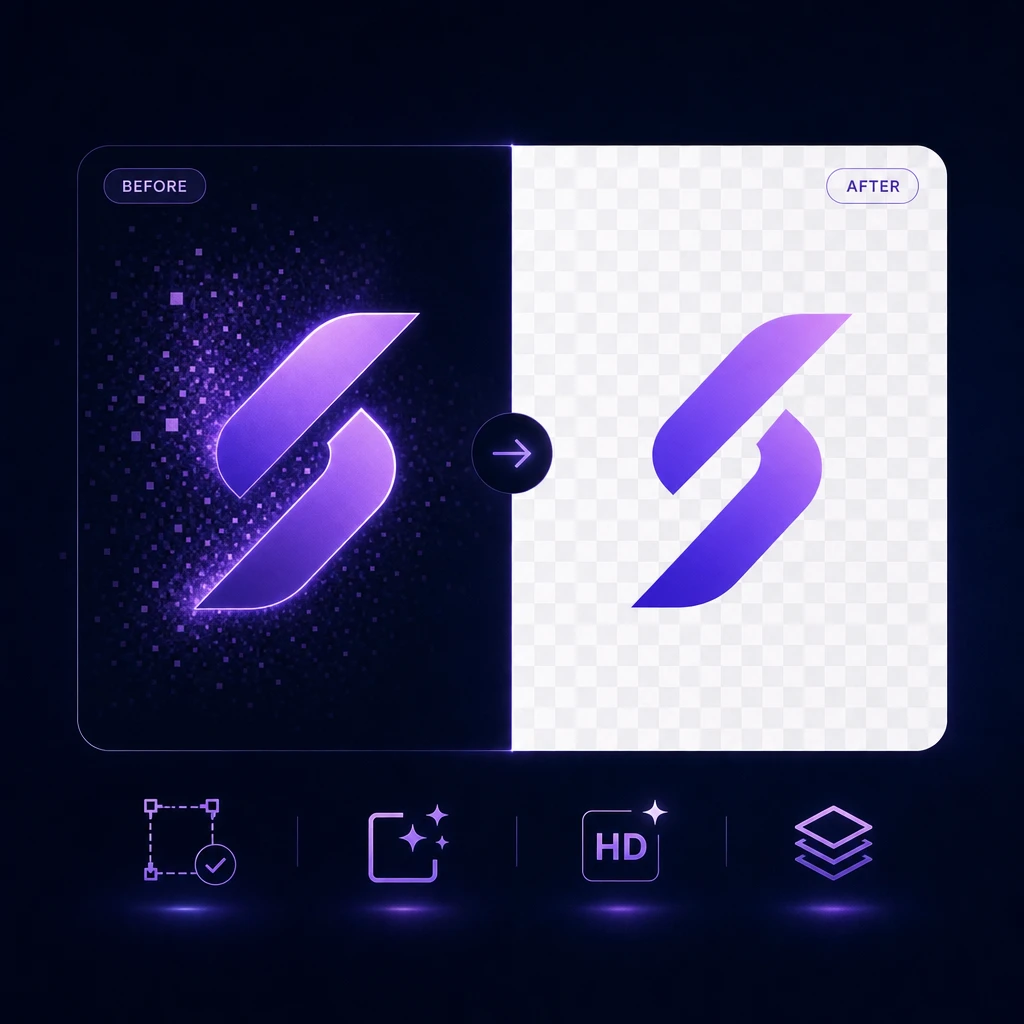
The logo background remover turns an opaque logo into a downloadable transparent PNG in four steps. No design skills, no extra tools, no leaving the page.
Click to upload or drag a JPG, JPEG, PNG, or WebP logo into the workspace. You can also bring a logo in from the homepage — it will land in a ready state so you can preview before running the removal.
Hit the Remove Background button in the logo background remover to start the process. The model runs for a few seconds and returns your transparent PNG. If anything goes wrong, you can simply try again.
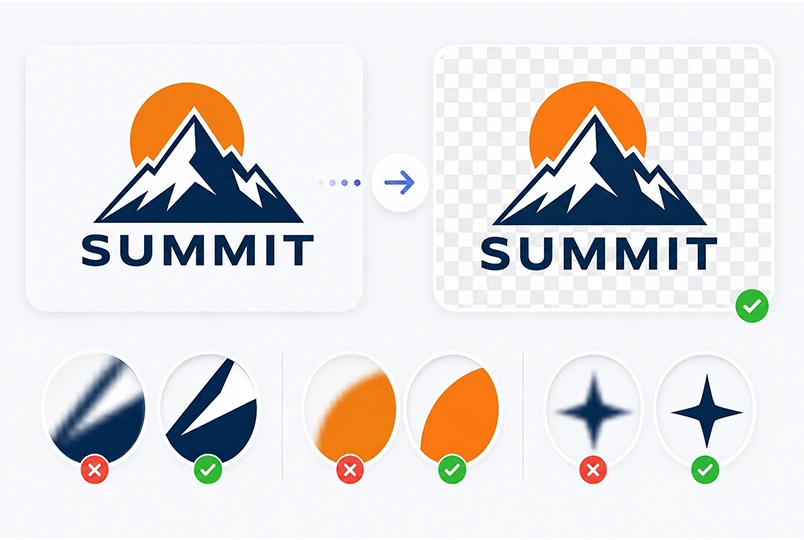
Drag the comparison slider to see your original logo next to the transparent PNG produced by the logo background remover. The checkerboard on the right only helps you spot transparent areas — it is never baked into the downloaded file.
Save the clean PNG with its Alpha channel intact. Drop it straight onto a website header, a social profile, a product label, or a slide deck without any extra cleanup.
A logo has sharp edges, flat colors, and small details that generic cutout tools often blur or clip. The logo background remover is tuned for exactly this kind of input, so your wordmark, icon, and outlines stay crisp after the background is gone.
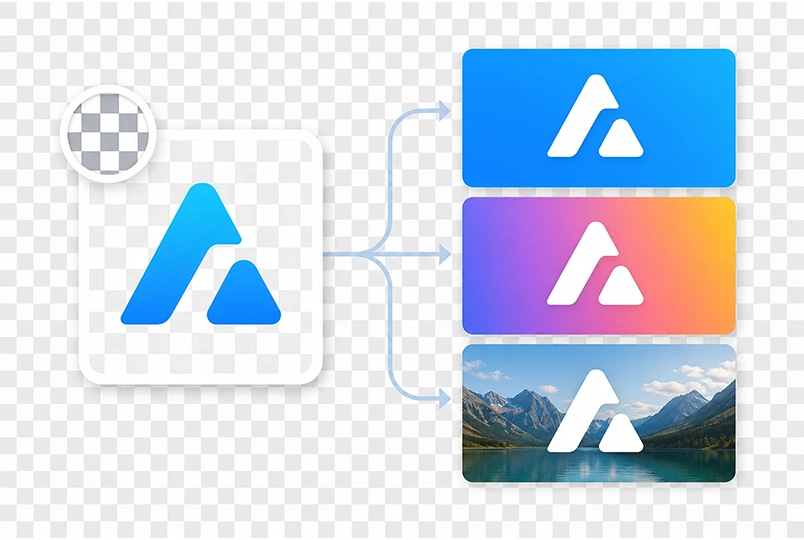
Every successful logo background remover run outputs a true transparent PNG with an Alpha channel — not a fake white background, not a flattened JPEG. That means your logo will composite cleanly over any color, gradient, or image without a visible box around it.
The logo background remover accepts logos uploaded from your device or brought in from the LogoCreator homepage. Generate a logo, send it straight here, and keep the whole brand workflow on one site.
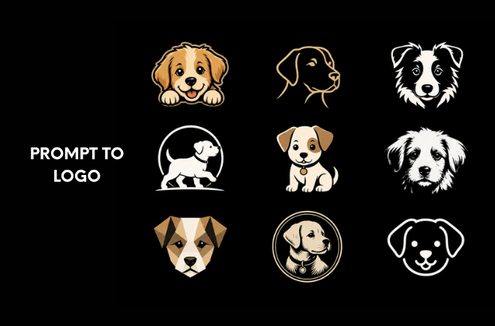
Start from a text prompt and generate original logo concepts in minutes. The AI Logo Creator is the fastest way to go from an idea in your head to a logo you can actually use.

Already have a photo, sketch, or reference image? The Image to Logo converter turns it into a cleaner, more usable logo without redrawing everything from scratch.

Turn a static logo into an MP4 animation for social posts, video intros, product launches, and presentations.
A transparent PNG from the logo background remover is the most flexible format a logo can live in. Once the background is gone, the same file works across almost every brand surface.
Drop the transparent PNG straight into a website header, hero section, or footer. It composites cleanly over light or dark sections, and you can resize it down to a favicon without a white box around it.
Use the same transparent logo from the logo background remover as a profile picture, a story sticker, or a watermark on posts. Because the background is gone, your logo sits naturally on top of any platform's layout.
Send the transparent PNG to a printer for boxes, bottles, tags, t-shirts, tote bags, stickers, and business cards. Without a solid background, the logo blends into the packaging material or garment instead of floating inside a visible rectangle, and most print workflows are ready to go without further cleanup.
Small businesses, creators, and designers use the logo background remover to ship brand assets faster. Here is what a few of them have to say.
I generated a JPG logo on the homepage and needed it transparent for a website header. I used to jump between three tools to do this — now it is one click and the PNG is ready.

Our shop needed the logo on product labels without the white box. The comparison slider let me check every edge before downloading. Saved me a round trip with our print shop.

I am not a designer. I just wanted my logo to look clean on Instagram. This did exactly that — one upload, one click, and the PNG was ready to drop straight into my profile.

I run a small Etsy shop and needed my logo to sit cleanly over product photos without a white square behind it. Uploaded the logo, removed the background, and had a clean PNG for my listings in under a minute.

Upload a JPG, PNG, or WebP logo to the free logo background remover and get a clean transparent PNG in seconds. No extra tools, no leaving the page.
A logo background remover is a tool that takes an opaque logo image — usually a JPG — and outputs a transparent PNG. The background pixels are removed, leaving only the logo itself with an Alpha channel, so the logo can be placed over any color or image without a visible box.
LogoCreator's logo background remover uses a dedicated remove-background model. You upload a logo, click Remove Background, and the model returns a transparent PNG. The whole process takes a few seconds, and you can compare the original and the result side by side before downloading.
The logo background remover accepts JPG, JPEG, PNG, and WebP files, up to 8MB each. You can upload by clicking, dragging, or bringing a logo in from the LogoCreator homepage through the Remove Background button on a generated result.
The logo background remover outputs a transparent PNG with an Alpha channel. It does not output SVG, JPG, or WebP. If you need a scalable vector instead, use the Vector Logo Converter.
Yes. Sign in to start with free credits. Each successful removal costs 2 credits. Uploading, entering the Ready state, opening history, and re-downloading a past result are all free. If a removal fails on our side, no credits are charged, and any frozen credits are returned automatically.
Every successful removal is saved for 7 days. History is sorted by time, and you can view, download, or delete individual entries at any point within that window. Refreshing the page only restores the history entry and count — it does not auto-open history or restore the image into the workspace.
Not in this version. The logo background remover processes one logo at a time and does not support manual brush editing, background replacement, shadow editing, or canvas editing. If you need finer control, download the transparent PNG and finish in your preferred image editor.
Yes — the transparent PNG from the logo background remover is yours to use across websites, social media, packaging, presentations, and merchandise. LogoCreator does not claim ownership of your output. That said, owning a PNG file is not the same as owning a trademark; if you plan to register your logo, check with a legal professional in your jurisdiction.