
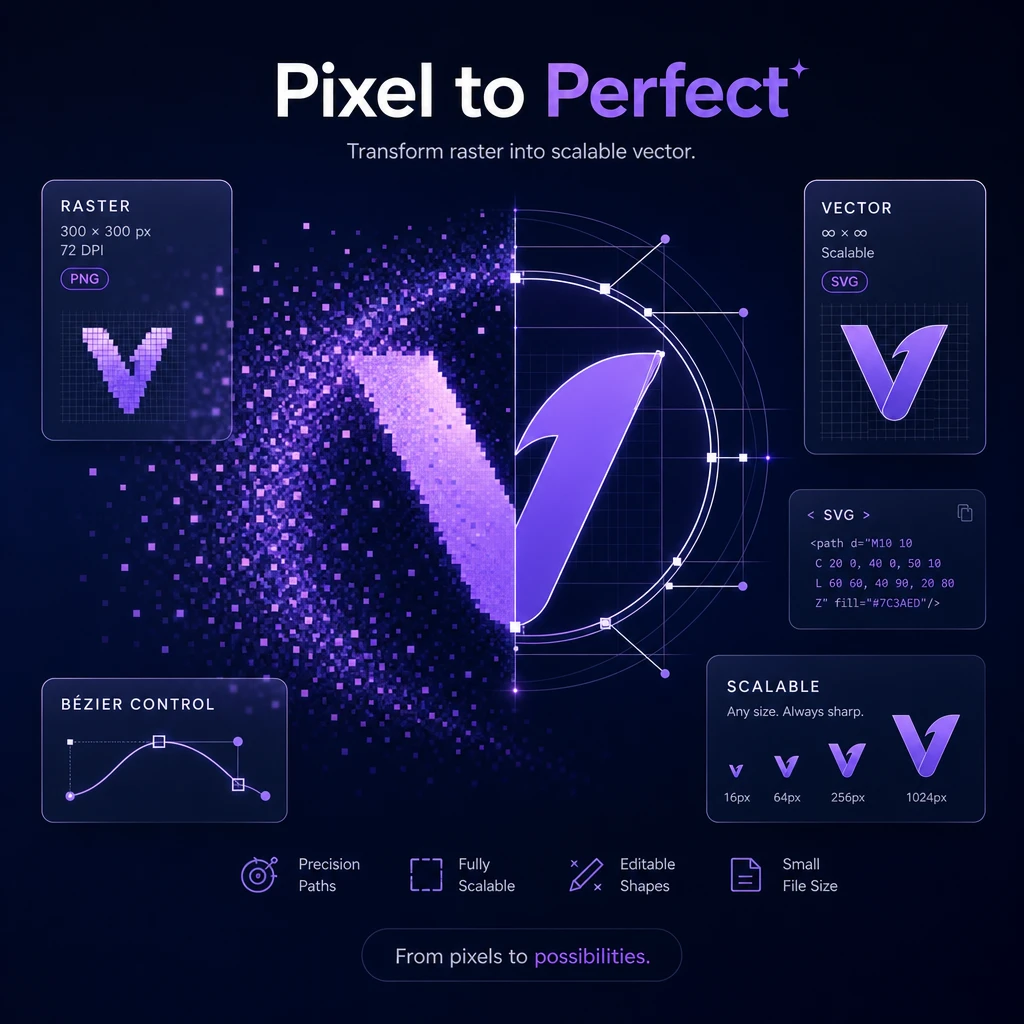
Vector Logo Converter

Upload a JPG, PNG, or WebP logo and convert it into a scalable, editable SVG with a clear bitmap-to-vector preview. Download a flexible Vector Logo for websites, print, packaging, and other brand assets.

Vector logo workspace

Upload a raster logo

Don't have a logo yet? Create one with our AI Logo Creator.

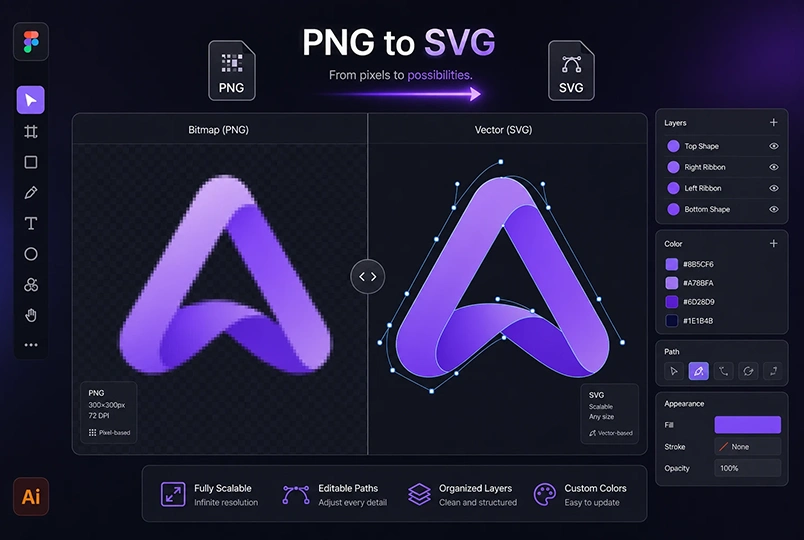
See the difference between bitmap and SVG

Bitmap Bakery Badge logo before vector conversion
Editable SVG Bakery Badge logo after vector conversion
BitmapVector SVG
HOW IT WORKS

How to create a Vector Logo from an image

Upload an existing JPG, PNG, or WebP logo and convert it into a scalable SVG Vector Logo for websites, print, packaging, and brand design workflows.

Pixel to vector showcase
1

Upload your raster logo

Choose a JPG, JPEG, PNG, or WebP file up to 8MB. A logo with a clear subject, defined edges, and a simple background usually gives the converter more useful visual information to work with. You can upload a file from your device or bring in an eligible logo created elsewhere in LogoCreator.
2

Convert it to a Vector Logo

When the file is ready, select Vectorize to begin. The converter processes the raster image and creates a Vector Logo as an SVG file. Conversion starts only after you select the button, so uploading a logo or arriving from another LogoCreator page does not automatically use credits.

3

Preview and download your SVG

Drag the comparison line between Bitmap and Vector SVG to inspect the result. Look at the shape edges, lettering, and key details at different points in the preview. When the Vector Logo is ready for your workflow, select Download SVG to save the scalable file for editing, web use, or print production.

FEATURES

Why use LogoCreator for Vector Logo conversion

A familiar PNG or JPG may work in one place but become harder to reuse as your brand grows. LogoCreator provides a focused logo-to-vector workflow that helps you move from an existing bitmap to a more flexible SVG without turning the page into a general image editor.

01

Editable Vector Logo output

The converter produces an SVG Vector Logo that can be opened in software that supports SVG files. Instead of working only with a fixed grid of pixels, you can continue adjusting compatible paths, shapes, and colors in your preferred design workflow. The amount of editing available depends on the converted artwork and the software you use.

02

Cleaner scaling for web and print

A raster logo can show visible pixels when it is enlarged beyond its original resolution. A Vector Logo is built to scale more cleanly across small and large placements, from website graphics to printed signs. The before-and-after slider helps you inspect how the converted SVG handles the edges and major forms of your uploaded logo.

03

A workflow built for brand assets

Vector Logo conversion fits naturally after logo creation. Bring in a logo from your device, the AI Logo Creator, or an Image to Logo result, then choose when to vectorize it. Preview the output, download the SVG, and continue using that file in the tools and production process already familiar to your team.

TOOLKIT

More ways to build your brand

USE CASES

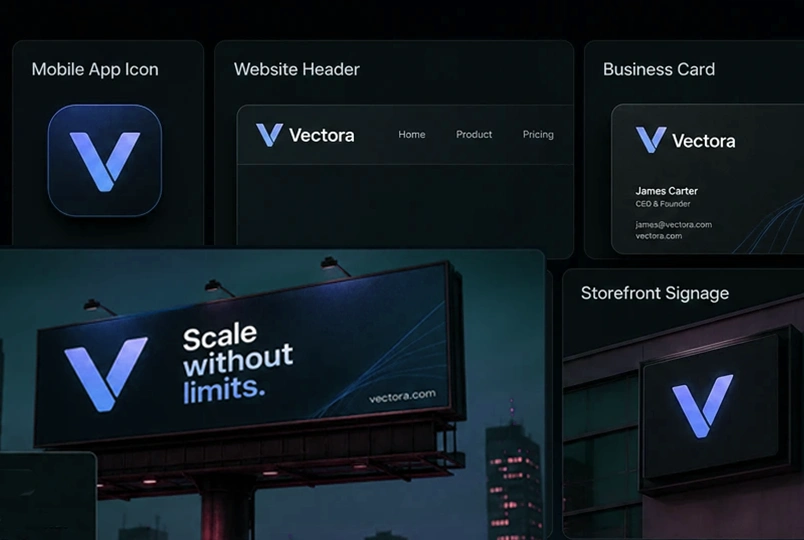
Where you can use a Vector Logo

One scalable SVG can support many everyday brand tasks. Use the downloaded file in software and services that accept SVG, while keeping the original bitmap available whenever a raster format is required.

Websites and social profiles

Use a Vector Logo for website headers, interface graphics, profile assets, and other digital placements that support SVG. Its scalable structure helps the mark stay clear across different display sizes. Always check the platform's file requirements, as some social networks may still request a PNG or JPG upload.

Packaging and printed materials

Packaging, business cards, labels, and brochures often require the same logo at very different sizes. An editable SVG gives designers and print partners a flexible source file to place in supported layouts. Confirm the color mode, bleed, and export requirements with your printer before final production.

Design files and brand systems

Open the SVG in Figma, Illustrator, or another compatible design tool to include the logo in reusable brand files. A Vector Logo can become a practical source asset for templates, presentations, campaign graphics, and shared design libraries, with later edits handled in the software you choose.

What Our Users Say

What users say about the Vector Logo Convertor

From small business owners to professional designers, LogoCreator makes Vector Logo conversion clear and approachable. Upload, compare, and download a scalable SVG for your next brand project.

“I uploaded an older PNG logo and quickly converted it into an SVG for our website and product packaging. The comparison preview made the result easy to check before downloading.”

Maya L.
Maya L.Small Business Owner

“The Bitmap and Vector SVG slider is especially useful. I could inspect the edges and lettering before deciding whether the Vector Logo was ready for my design workflow.”

Daniel R.
Daniel R.Brand Designer

“I often receive client logos as small JPG files. This Vector Logo Converter gives me a convenient starting point for creating scalable assets that I can continue editing in Figma.”

Noah P.
Noah P.Marketing Freelancer

“The process was straightforward even without professional design experience. I uploaded my logo, started the conversion, reviewed the SVG, and downloaded it for a new storefront sign.”

Aisha K.
Aisha K.Online Store Founder
READY TO CREATE A VECTOR LOGO

Turn your logo into an editable Vector Logo

Upload the logo you already have, compare the Bitmap and Vector SVG result, and download a scalable SVG for your next design or production task.

FAQ

Frequently Asked Questions about Vector Logo conversion

A Vector Logo is a logo built from scalable paths and shapes rather than a fixed grid of pixels. It can be resized without the same pixelation associated with enlarging a small raster image. SVG is the output format provided by this converter.

PNG and JPG files are raster images made from pixels, so their clarity depends on the original resolution. A Vector Logo uses scalable geometry and is better suited to resizing and continued editing in compatible software. Raster files may still be useful when a platform specifically requires them.

Upload an existing logo, click Vectorize, and wait for the SVG result. You can then drag the comparison line to review the Bitmap and Vector SVG versions before downloading the new file.

You can upload JPG, JPEG, PNG, or WebP logo files. Each file must be no larger than 8MB. Clear edges and a less complex background can make the original design easier to interpret during conversion.

Yes. You can open the downloaded SVG in compatible design software and continue working with the converted artwork. Available edits depend on the structure of the result and the features supported by your chosen application.

Conversion history is saved for 7 days. When records are available, use History to view or download earlier results. Refreshing the page restores the History entry point but does not automatically reopen the previous task in the main preview.

Start with the AI Logo Creator to generate a new logo concept. After you have a PNG or JPG result, use Convert to SVG to bring it into this page, review it, and choose when to create the Vector Logo.