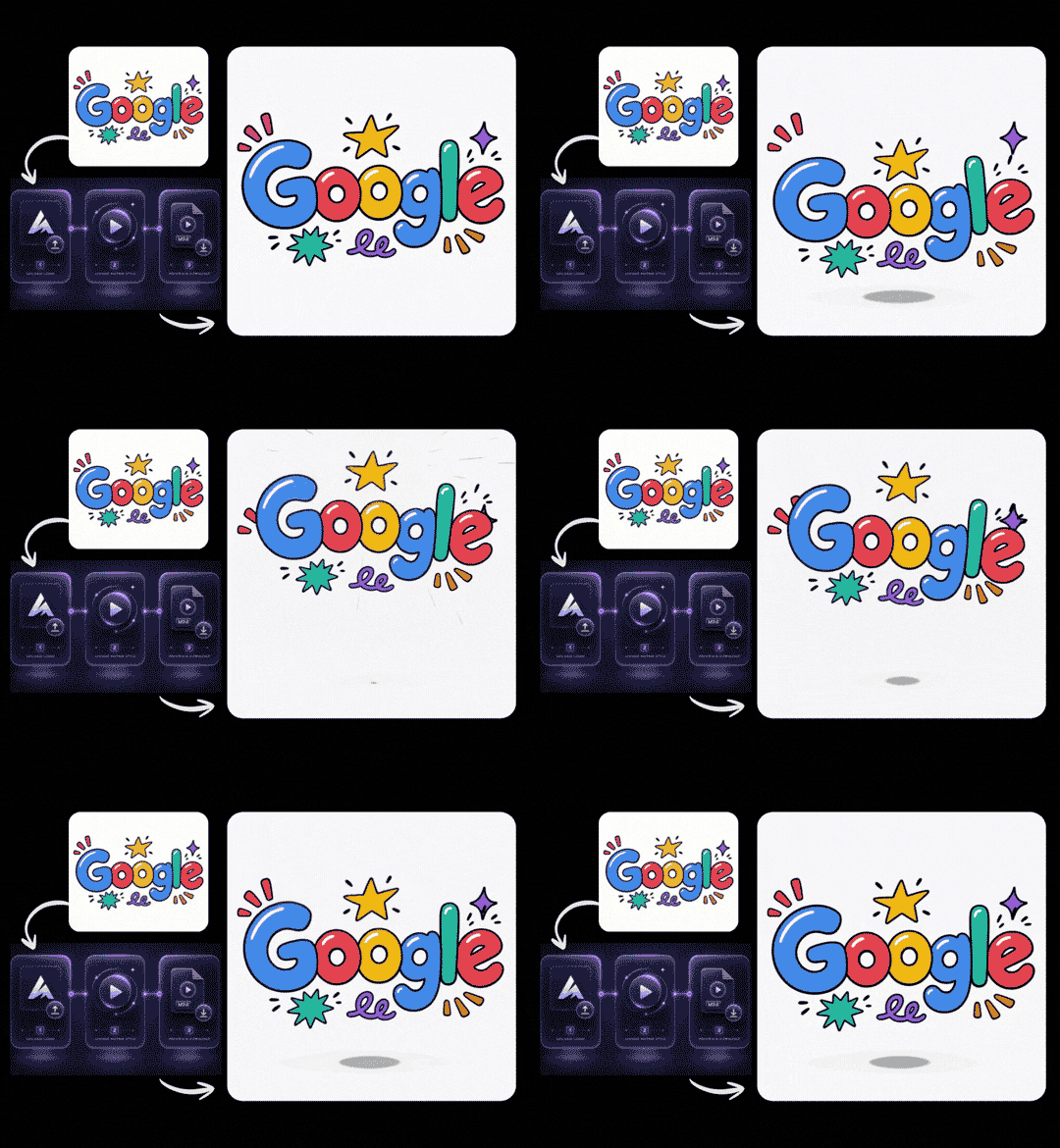
Upload Your Static Logo
Upload a PNG, JPG, JPEG, or WebP logo from your device, or continue with a logo created in LogoCreator. For a cleaner logo animation, use a clear image with accurate text and colors, plus enough space around the mark.

Upload a static logo and turn it into an MP4 with the AI Logo Animation Generator. Choose a motion style, add an optional description, and create a logo animation for social posts, video intros, product launches, and presentations.
Your logo animation
Turn a static logo into an MP4 in three simple steps. The AI Logo Animation Generator helps you upload your mark, guide the movement, and create a logo animation without building timelines or keyframes.
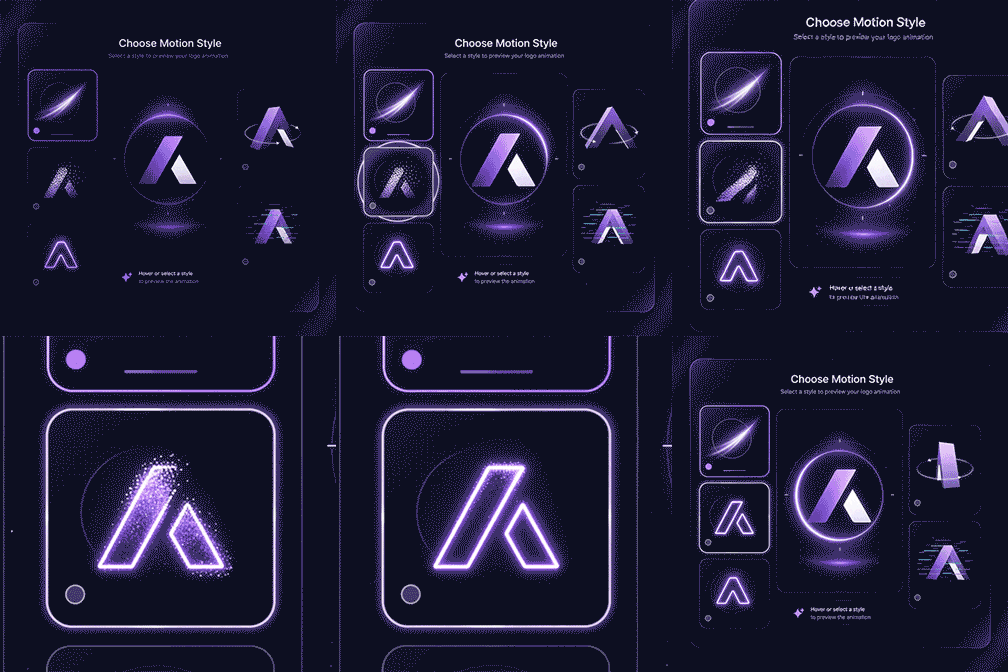
Upload a PNG, JPG, JPEG, or WebP logo from your device, or continue with a logo created in LogoCreator. For a cleaner logo animation, use a clear image with accurate text and colors, plus enough space around the mark.
Choose a motion style that fits your brand and content. Add an optional Motion Prompt to describe the movement, pacing, or reveal, and use AI Enhance when you want help turning a rough idea into clearer animation instructions.
Click Generate to create your AI logo animation, then preview how the logo enters, moves, and settles. Download the result as an MP4 or adjust the motion and generate again. Recent logo animation history remains available for 7 days.
A useful animated logo should feel connected to the brand mark people already recognize. LogoCreator focuses the workflow on your existing logo, a clear motion direction, and an MP4 result you can place into everyday brand content.
You do not need to recreate your identity before adding motion. Upload the static logo you already use or bring in a recent result from LogoCreator, then choose how it should appear on screen. The AI Logo Animation Generator uses that source image as the visual starting point instead of asking you to describe the entire brand mark from memory. This approach is helpful for wordmarks, icons, monograms, badges, and combined marks that already have an established shape and color direction. Generative video can still introduce variation during movement, so preview the complete result and confirm that important lettering and visual details remain suitable for your brand before publishing.
Traditional motion design can involve layers, timing curves, keyframes, masks, and a long list of export settings. This logo animation workflow reduces the task to a few approachable decisions: choose the logo, select a motion direction, optionally describe the movement, and generate. That makes the tool practical for founders, online sellers, content creators, and small marketing teams that need motion without learning professional animation software first. Designers can also use the AI logo animator to explore early movement directions before deciding whether a campaign needs deeper manual production.
The generated result is delivered as an MP4, a practical format for social posts, presentation slides, launch videos, and common editing workflows. Instead of keeping your logo as a static corner element, you can use a short logo animation as an opening, transition, closing frame, or branded visual beat. Because the workflow stays focused on logo motion rather than becoming a complete video editor, it remains clear for quick brand tasks. Download the MP4 and combine it with the text, footage, audio, and timing tools already used by your team.
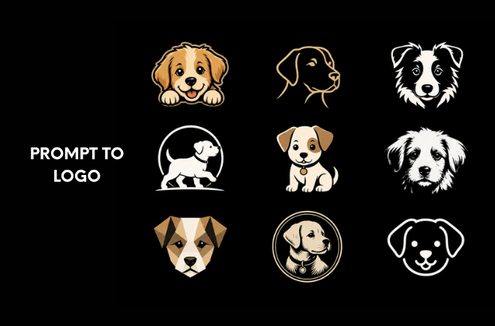
Create a static logo mark before adding motion. Start from a brand name, prompt, style direction, and color choices, then bring the selected result into your animation workflow.
Give an existing logo a dimensional 3D-style look, or describe a new one and choose from five visual styles. Download the result as a 2D image with depth.
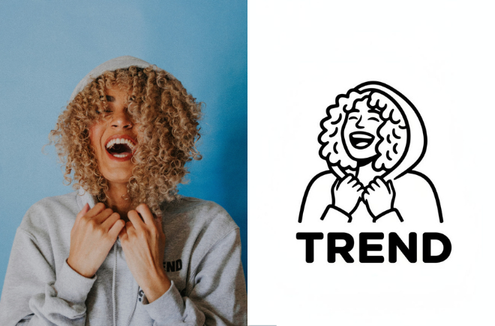
Turn a sketch, product photo, mascot, or visual reference into a cleaner logo direction. Use it when you have an image idea but still need a recognizable static brand mark.
A logo animation can introduce your brand, close a message, or create a recognizable transition. Use it wherever a short branded moment can make digital content feel more consistent.
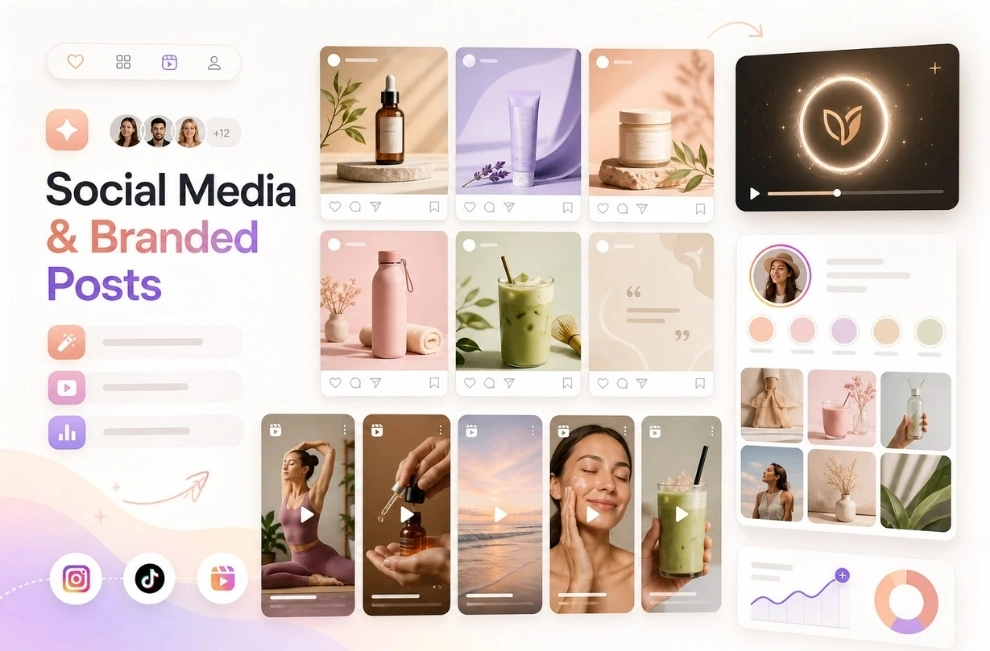
Use an animated logo in Reels, TikTok videos, YouTube Shorts, campaign teasers, and branded posts. Add the MP4 before or after your main content, then match the motion to the pace and tone of each social channel.
A short animated logo can open or close tutorials, interviews, product demos, webinars, and channel videos. Reusing the same brand motion across episodes creates a consistent visual cue without replacing your existing video-editing workflow.
Add an AI-animated logo to launch videos, event screens, pitch decks, product walkthroughs, and presentations. Use subtle motion for professional content or a more energetic reveal for campaigns, then preview the MP4 in context before publishing.
Logo animation is most useful when it removes friction from a real publishing workflow. These experiences reflect how founders, creators, and small teams may use LogoCreator to move from a static mark to branded motion.
I needed a short branded intro for product demos, but building one from scratch was outside my skill set. I uploaded our existing logo, chose a simple reveal, and had an MP4 I could place into the next presentation.

The optional motion prompt helped me explain the feeling I wanted without learning animation terminology. I asked for a calm light sweep and used the result at the end of our launch video.

I already had a logo for my channel. The AI logo animation workflow gave me a faster way to test how it could move before committing to a bigger editing project.

Being able to continue from a static brand asset made the process feel connected. I downloaded the animation and added it to social clips with the editing tools my team already uses.

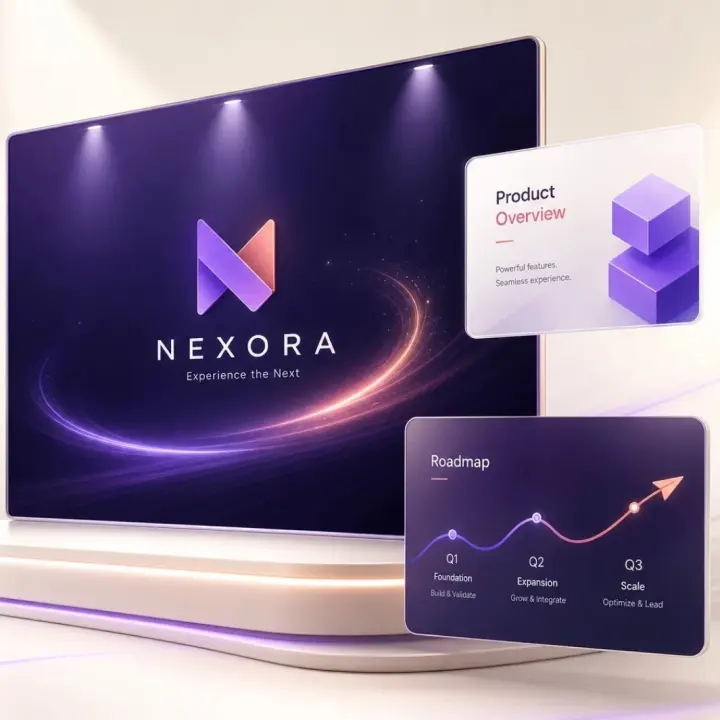
Turn the mark your audience already knows into an AI logo animation for social media, intros, launches, and presentations. Upload your logo, choose the movement, and create an MP4 you can continue using in your own content workflow.
A logo animation is a moving version of a brand mark. It can reveal, rotate, pulse, assemble, or glow before settling into a recognizable logo. LogoCreator turns a static image into an MP4 for social videos, intros, presentations, and launch content.
An AI Logo Animation Generator uses your uploaded logo as the visual source for a short motion sequence. Upload or select a logo, choose a motion style, add an optional Motion Prompt, and generate. Preview the complete animation before downloading the MP4 or adjusting the motion.
You can upload a PNG, JPG, JPEG, or WebP logo up to 10MB and at least 300 x 300 pixels. For a cleaner animated result, use a clear image with accurate lettering and enough space around the mark. A transparent PNG does not guarantee a transparent MP4 background.
Yes. Add an optional Motion Prompt describing movement, pacing, lighting, or how the logo should enter and settle. You can also generate from a preset alone. Keep the prompt focused on motion rather than requesting a completely different brand mark.
The generator uses the uploaded logo as its visual reference, but generative motion may introduce variation around small text, detailed edges, or complex effects. Review the complete animation and confirm its spelling, colors, proportions, and final frame before publishing.
Download your logo animation as an MP4 for compatible social platforms, presentation tools, and video editors. The current workflow does not provide GIF, WebM, Lottie, transparent video, editable animation layers, or project files.
Use an animated logo in social posts, channel intros, video outros, product demos, launch announcements, webinars, event screens, and presentations that support MP4. Choose subtle motion for professional content and a more energetic reveal for campaigns or creator videos.
Logo animation tasks are saved for 7 days. During that period, you can preview available results, download the MP4, or reuse previous motion settings. Download important files before the logo animation history expires.
Create a static mark first with the AI Logo Creator, or use Image to Logo when you have a sketch, product photo, mascot, or visual reference. After choosing a suitable static result, continue to the AI Logo Animation Generator and add motion. You can also use the Vector Logo Converter when you need an editable SVG for scalable brand assets. The vector file supports a broader brand workflow, while the animation tool creates the MP4 used in motion content.