
Text to Logo Generator

Turn your brand information and written ideas into an original logo direction. The text to logo generator helps you describe the look, mood, and meaning you want, refine your prompt with AI, and generate a logo without starting from a blank canvas.

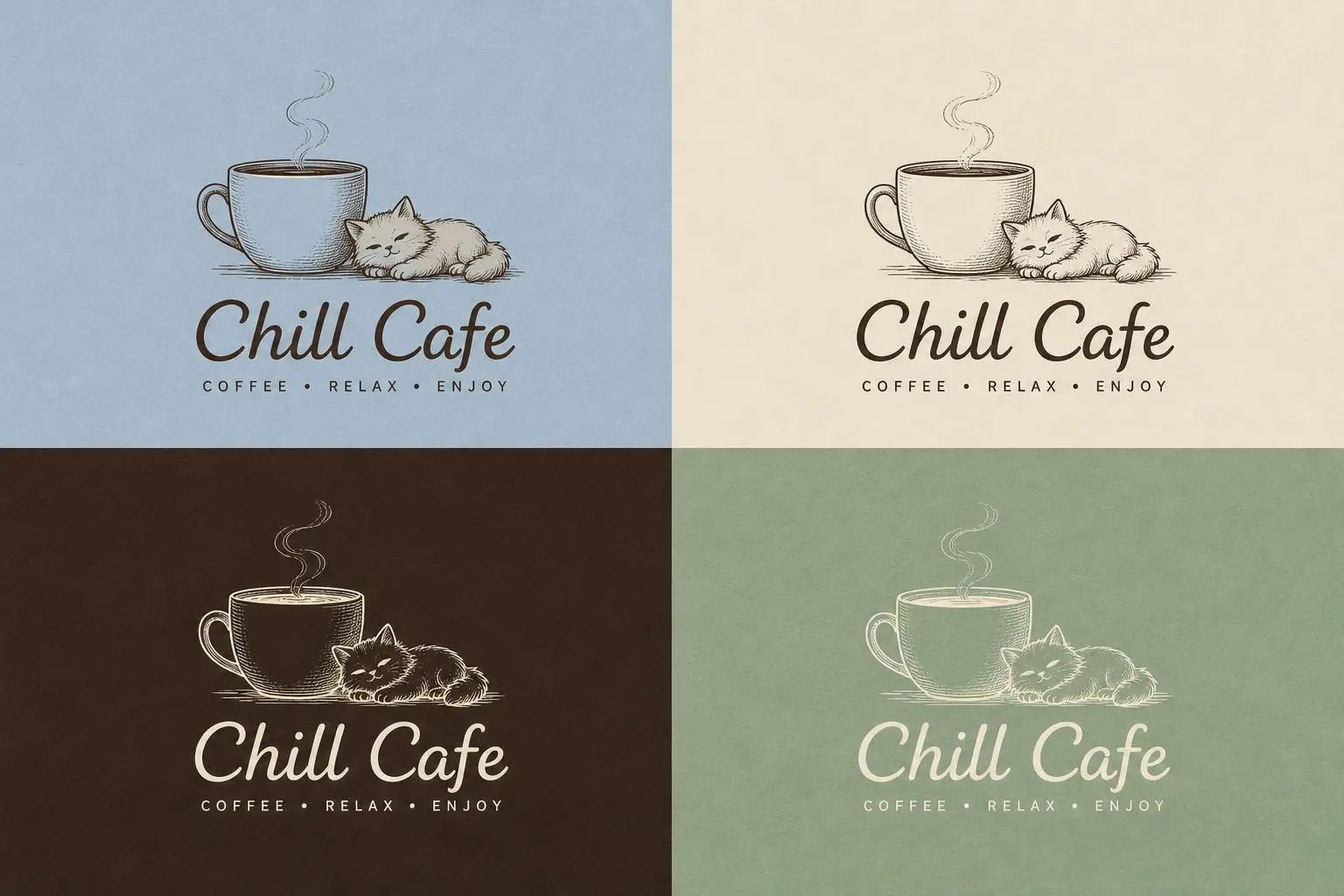
Logo Creator example 1
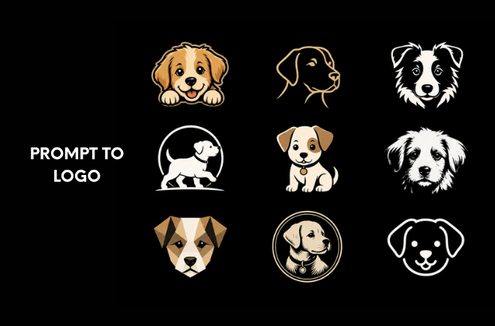
Logo Creator example 2
Logo Creator example 3
Logo Creator example 4
Logo Creator example 5
Logo Creator example 6
Logo Creator example 7
Logo Creator example 8
Logo Creator example 9
HOW IT WORKS

How to Use the Text to Logo Generator

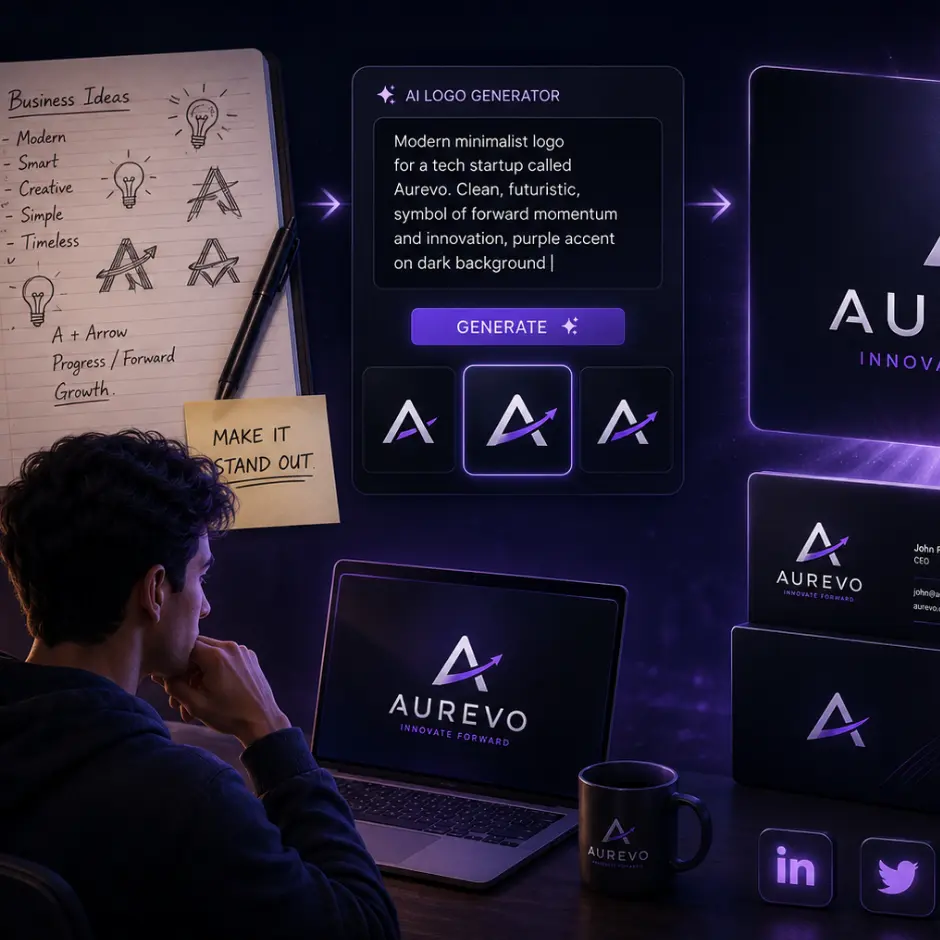
The text to logo workflow turns simple brand details into a visual starting point. You can begin with a name and a rough idea, use AI Enhance when you need help expressing the concept, then guide the style before generating your result.

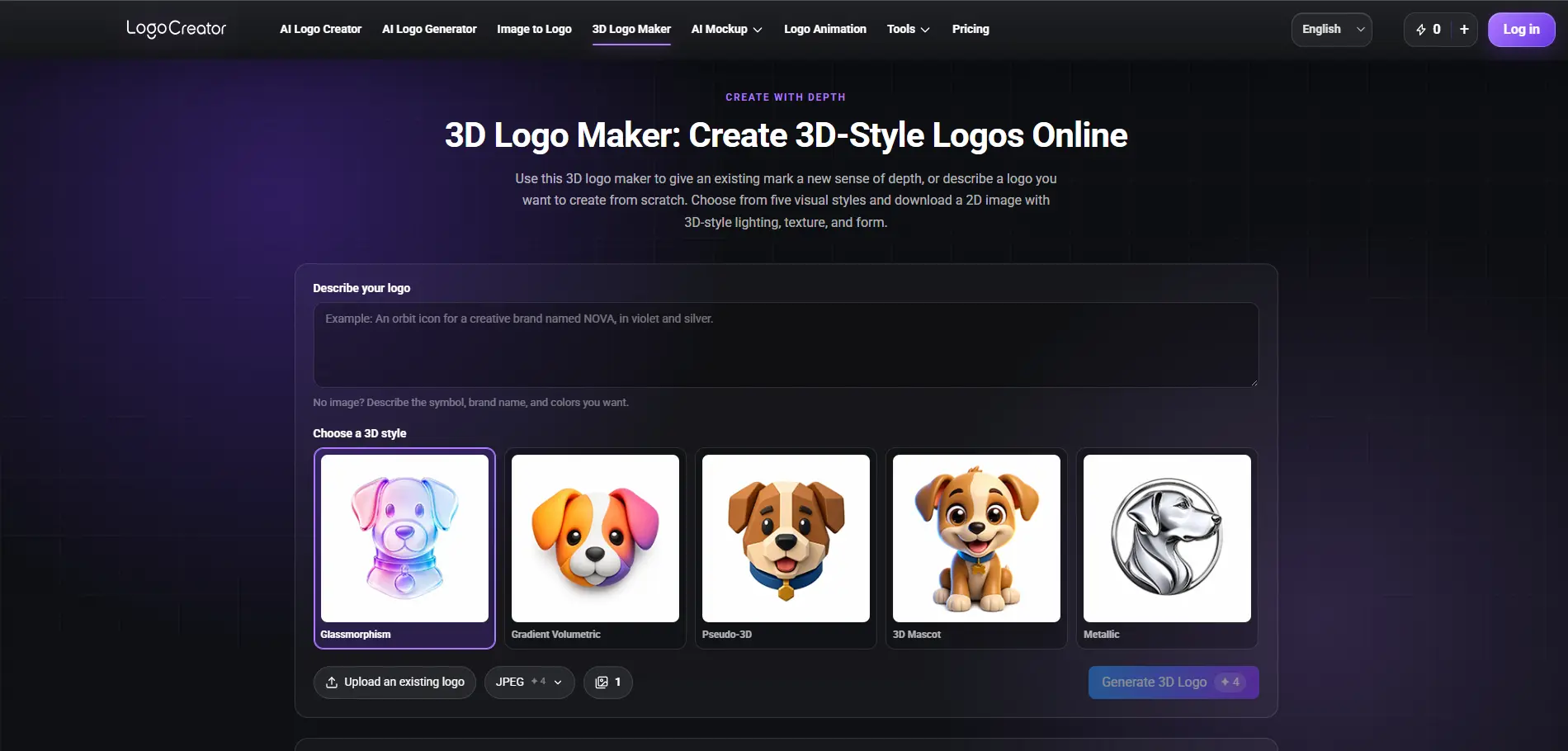
Text to logo generator workflow showing
1

Add Your Brand Information

Start with the information that gives your brand meaning. Enter a Brand Name, Slogan, industry, audience, or a short description of what you offer. These details give the text to logo generator useful context, but you can keep the form concise when your idea is still taking shape.

2

Describe Your Logo Idea

Explain the symbol, personality, or mood you want the logo to communicate. You might describe a calm wellness mark, a bold gaming identity, or a clean logo for a new software product. Plain language is enough for the AI text to logo workflow to understand your direction.

3

Refine the Direction with AI Enhance

Use AI Enhance when your first prompt feels too short, broad, or difficult to phrase. It can turn a rough idea into clearer creative guidance and suggest details that help the text to logo generator interpret your concept. You remain free to edit the enhanced prompt before generating.

4

Guide the Style and Generate

Choose a Visual Style, Font Style, Layout, color direction, or Reference Image to shape the result. When the direction feels right, generate your text to logo preview, review the design, and download the result that fits your brand.

WHY TEXT TO LOGO

Why Choose Our Text to Logo Generator

Logo creation often begins with words: a brand name, a promise, a feeling, or a quick description of an idea. LogoCreator brings those signals together in one text to logo process, giving beginners a clear path while leaving room for creative direction.

01

Turn Brand Context into Logo Ideas

A generic prompt can lead to a generic result. The text to logo generator can use your Brand Name, Slogan, industry, audience, and brand story as creative context. This helps connect the visual concept to what your business represents instead of treating the logo as an isolated graphic.

02

Find Inspiration with AI Enhance

You do not need to write like a designer or prompt expert. AI Enhance helps clarify your text to logo idea by adding useful visual language and organizing the prompt around the details that matter. It is an inspiration aid, so you can keep, remove, or rewrite anything before generation.

03

Shape the Visual Direction

Guide the outcome through Visual Style, Font Style, Layout, colors, and an optional Reference Image. These controls help you create logo from text while keeping the final direction connected to your preferred brand mood. You can stay broad during early exploration or add more guidance when your vision is specific.

04

Create Without Design Experience

The form-based text to logo workflow breaks a complex branding task into approachable inputs. Founders, online sellers, creators, and small teams can move from an idea to a visible logo concept without learning professional design software first. Designers can also use it to explore early directions before deeper refinement.

TOOLKIT

More ways to build your brand

WHAT OUR USERS SAY

What Our Users Say About Text to Logo

“I had a business name and a rough description, but no idea how to turn them into a visual identity. The text to logo form helped me organize the concept and reach a direction I could actually discuss with my team.”

Maya R.
Maya R.Small Business Owner

“AI Enhance was useful when my original prompt was only a few words. It gave the text to logo idea more structure without taking control away from me.”

Evan T.
Evan T.Independent Creator

“I liked being able to add the brand name, slogan, and visual preferences in one place. The text to logo generator made early concepting much easier for a client with a tight launch schedule.”

Nina C.
Nina C.Freelance Designer

“I used a product image as a reference and described the simple mark I wanted. The text to logo workflow felt clear even though I do not have a design background.”

Leo P.
Leo P.E-commerce Seller

Start Creating Your Logo Today

Turn your brand name, message, and visual direction into a clean, professional logo instantly.

FAQ

Text to Logo FAQ

A text to logo generator is an AI-assisted tool that turns written brand information into a visual logo concept. You can enter a Brand Name, describe the business or desired symbol, guide the style, and generate a logo preview from that context.

A Brand Name gives the text to logo generator useful context, especially when you want a wordmark or a logo that incorporates the name. You can also provide a Slogan, industry, audience, or visual description. The amount of information you add can depend on how developed your brand idea is.

AI Enhance helps turn a short or unclear text to logo prompt into more focused creative guidance. It can add relevant visual language, clarify the intended mood, and give you inspiration for details you may want to include. You can review and edit the enhanced text before generating.

Yes. The text to logo workflow lets you guide broad style dimensions such as the visual treatment, typography direction, composition, and colors. Available controls may evolve as the tool develops, so the interface will show the current options you can use.

Yes. You can upload an image when you want the text to logo generator to consider a similar shape, composition, object, or visual feeling. The reference works alongside your written prompt and brand information, so choose a clear image that reflects the direction you want to explore.

No design experience is required to begin. The text to logo form uses familiar brand questions and plain-language descriptions, while AI Enhance can help when you are unsure how to phrase an idea. Designers can still use the same controls for faster concept exploration.

You can preview your generated logo and use the download options currently available in the product. File formats and access may depend on the selected workflow, model, or plan, so check the interface before completing your download.

Commercial use can depend on your account plan, the applicable license terms, the source materials you upload, and local trademark requirements. Review LogoCreator's current Terms of Service and confirm that your final text to logo result does not conflict with existing trademarks before using it as an official brand asset.