
Logo Design Case Study: 6 Brands Built From One Photo
Contents
- Why Your Logo Matters More Than You Think in 2026
- The Logo Design Case Study Framework: What Makes a Great Logo From a Photo
- Logo Design Case Studies: 6 Real Users, 6 Real Brands
- Case 1 — The Specialty Coffee Roaster: From Bean Texture to Retail Shelf
- Case 2 — The Etsy Maker: Logo Design Case Study in a Competitive Handmade Market
- Case 3 — The SaaS Founder: Image to Logo for Startups on Zero Budget
- Case 4 — The Fitness Influencer: Turning a Silhouette Into a Brand Icon
- Case 5 — The Pet Owner: A Logo Design Case Study in Emotional Branding
- Case 6 — The Food Truck Owner: Making Family Heritage Visible
- Getting Better Results: Common Mistakes in Image-to-Logo Design
- How AI Compares to Traditional Logo Design Options
- Your Brand Story Is Already in That Photo
Why Your Logo Matters More Than You Think in 2026
The Numbers Behind Brand Visual Identity
Here's a number that should make every founder put down their coffee and pay attention: brands with consistent visual identity generate up to 23% more revenue than those without one. That's not a feel-good statistic from some branding agency trying to sell you a $10,000 rebrand — it's from Lucidpress, and it tracks across industries from e-commerce to SaaS. There's another one: users form a first impression of any brand in 0.05 seconds. Not 5 seconds. Not half a second. Five hundredths of a second. Before they've read your tagline, before they've scrolled your homepage, your logo has already done — or failed to do — its entire job.
In 2026, visual branding isn't a "nice to have" for startups anymore. It's table stakes. The awkward part? Most founders still don't have a logo design case study that proves their brand works.
The Three Roadblocks Most Founders Hit
Ask any early-stage founder why they don't have a proper logo yet, and you'll hear some variation of these three answers in the logo design case study:
Roadblock #1: The software barrier. In the logo design case study, photoshop and Illustrator are powerful — and notoriously unfriendly to people who didn't spend four years studying them. Learning the pen tool alone could eat a week of your runway.
Roadblock #2: The cost and time of hiring a designer. A decent freelance logo runs $300–$1,500. An agency? Don't ask. And regardless of budget, you're looking at 1–4 weeks of back-and-forth before you see anything close to final. When you're moving fast, that's an eternity.
Roadblock #3: Template tools that make everyone look the same. You've seen it. The Canva logo that looks like twelve other brands in your category in the logo design case study. Template tools are fast, but the output is shared — meaning your "unique" brand mark might be someone else's too.
This is exactly why more founders are turning to AI to turn an image — something they already own — directly into a logo.

What Image-to-Logo AI Actually Does
Let's be clear about what we're talking about, because this isn't the same as typing "make me a logo" into a chatbot.
Image-to-logo AI works by taking a photo you upload — a product shot, a sketch, or an object — and extracting its core visual elements to generate a scalable logo. The key difference from template tools is that your image is the starting point, not a library of pre-built icons. Three things happen under the hood that make this worth your attention:
Three things happen under the hood that make this worth your attention:
- Stylized recreation: The AI doesn't just trace your photo. It interprets it—translating visual interest into a logo design case study that offers multiple style variations for you to choose from.
- Structural simplification: Complex photos get distilled into clean lines. The goal is to preserve character, ensuring each logo design case study stays readable rather than cramming every detail into a single icon.
- Cross-context clarity: Output logos are optimized to work at any size — from a 16px browser favicon to a 20-inch banner. Colors are enhanced for contrast; shapes are simplified for maximum readability.
The Logo Design Case Study Framework: What Makes a Great Logo From a Photo
Before we get to the real stories, here's a framework worth bookmarking. After looking at logo design case study, the best image-to-logo results share five consistent traits. Think of this as your quality checklist before you upload anything.
5 Elements Every Successful Image-to-Logo Has
1. Meaning — The image has to carry a story, not just look nice in the lofo design case study. A logo built from something meaningful to your brand will always feel more authentic than one built from a stock photo of "business." Pro Tip: Reach for photos that connect directly to your brand's emotional core — a product close-up, a founder's object, a hand-drawn sketch of the original concept.
2. Silhouette Strength — AI extracts shapes from edges. The cleaner the subject outline, the cleaner the logo. A photo of your cat against a cluttered background is a recipe for frustration. Pro Tip: Single subject, high contrast, simple background. That combination alone improves output quality dramatically.
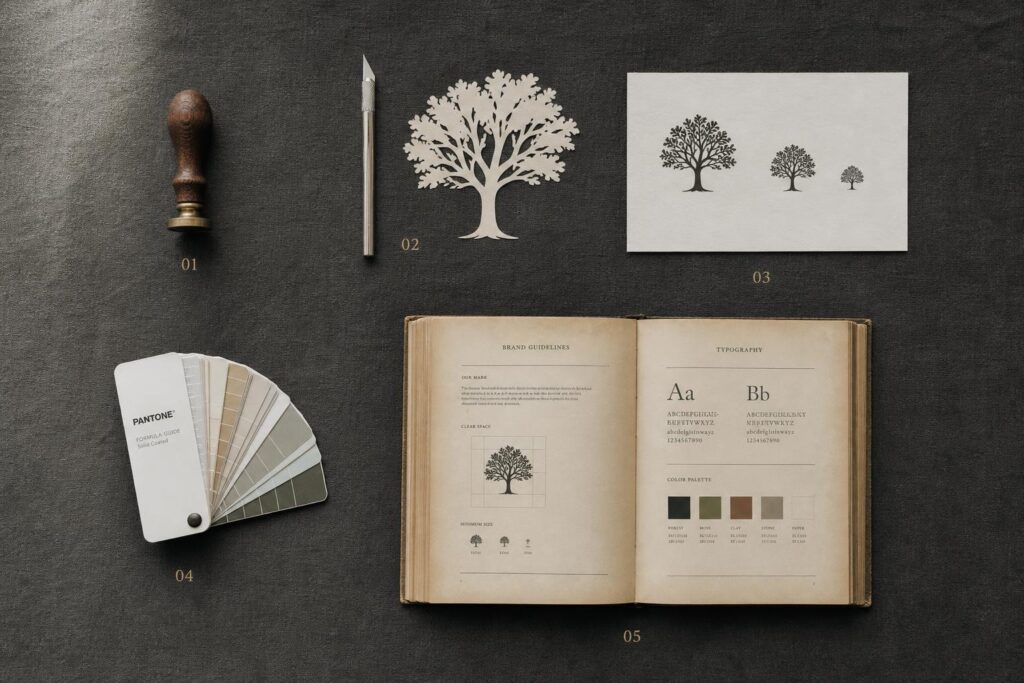
3. Scalability — A great logo works at 16px and at 16 feet in the logo design case study. If it loses its identity when shrunk, it's not done yet. Pro Tip: After generating, test your logo at favicon size first. If you can still tell what it is, you're good.
4. Color Extractability — The AI pulls dominant colors from your image to build the brand palette. This is a feature, not a bug — lean into it. Pro Tip: If you have brand colors in mind, upload an image that naturally contains them. Or override manually after generation.
5. Style Alignment — During the logo design case study, the visual tone of your input image shapes the emotional tone of your output logo. Vintage photo → badge-style logo. Product macro → clean modern mark. Hand-drawn sketch → organic, handcrafted feel. Pro Tip: Think about your brand personality first, then find an image that already has that personality.
How to Turn an Image Into a Logo in 3 Steps
If you're wondering how to turn an image into a logo without a design degree or a three-hour tutorial, the answer is genuinely this simple:
- Step 1: Upload a clean, subject-focused image. Simple background, clear subject, good lighting.
- Step 2: Choose your preferred logo style — minimal, vintage, geometric, badge, or let the AI suggest based on your image.
- Step 3: Generate, tweak the details you want to adjust, and download your vector file.
That's the theory. Now let's see what it actually looks like when real people do it.
Logo Design Case Studies: 6 Real Users, 6 Real Brands
The following six logo design case studies span different industries, budgets, and starting points. What they have in common: one meaningful image, twenty minutes, and a brand identity that didn't exist before.
Case 1 — The Specialty Coffee Roaster: From Bean Texture to Retail Shelf
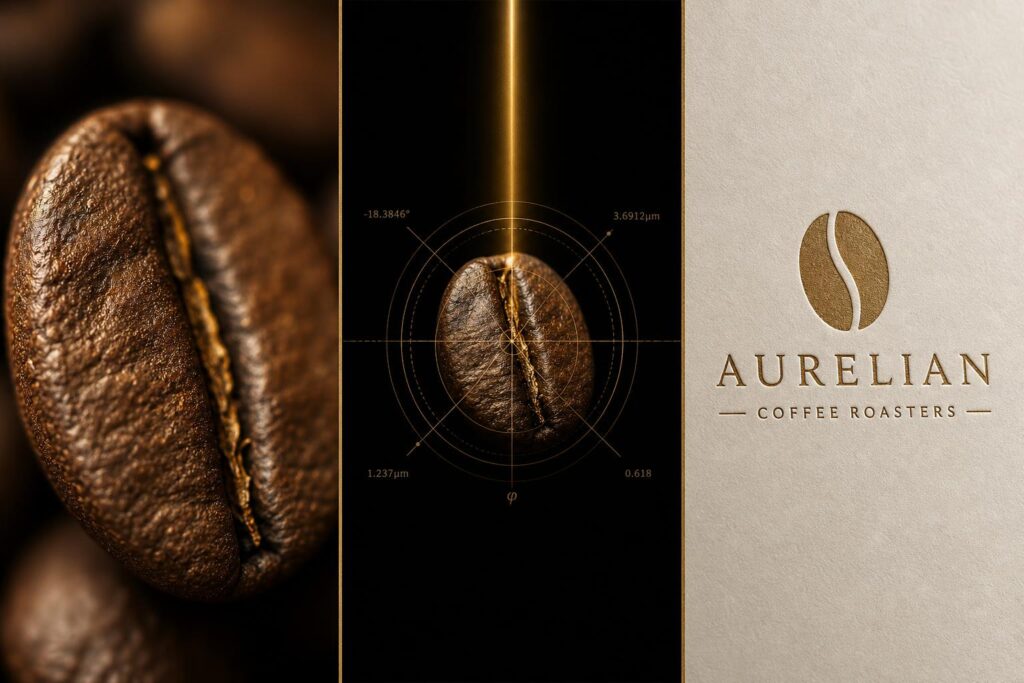
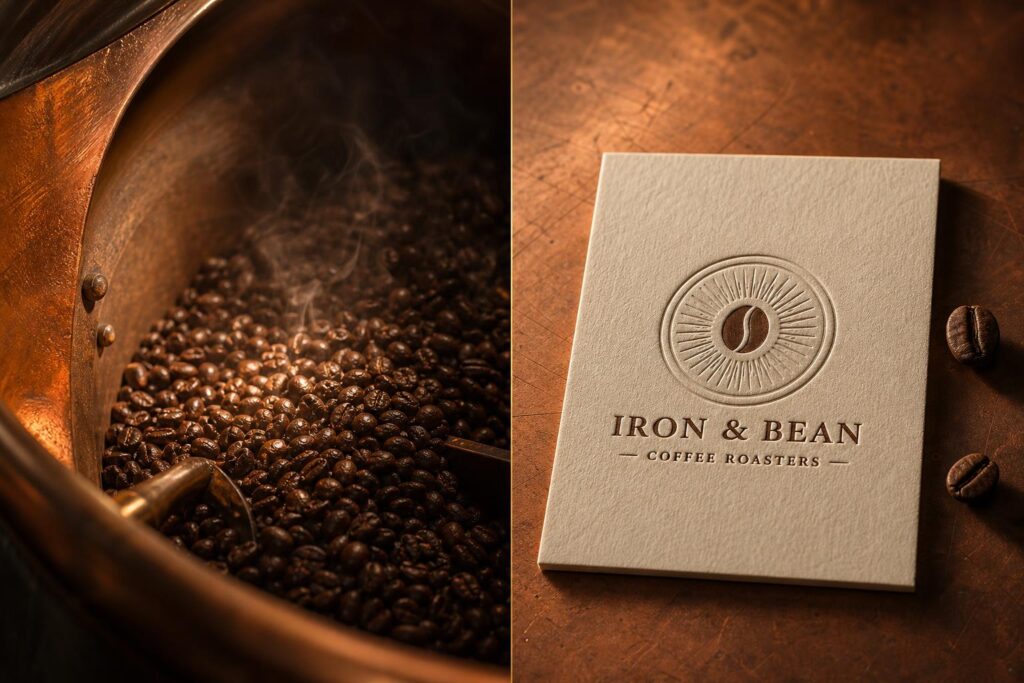
Marcus runs a small-batch coffee roastery with a total marketing budget of under $500. His entire brand story lives in one thing: the copper drum his beans roast in, passed down from a mentor who taught him the craft. Naturally, when designers quoted him $800 for a logo, that story stayed invisible.
He photographed the inside of the drum — a warm, circular composition of roasted beans, all copper and amber tones — and uploaded it. The AI extracted the circular shape and the rich texture, generating a badge-style logo with the bean silhouette embedded in a classic frame, paired with a vintage serif font for his brand name.
→ Takeaway of logo design case study 1: The texture and shape of your actual product is the most persuasive brand material you own.
Case 2 — The Etsy Maker: Logo Design Case Study in a Competitive Handmade Market
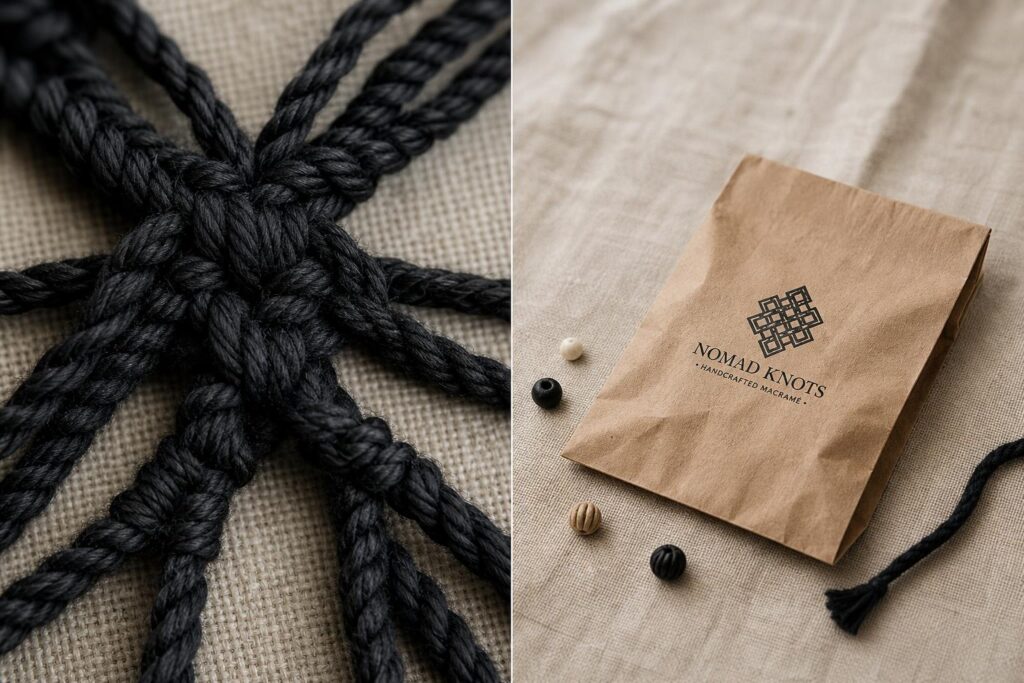
Priya had been running her hand-knotted jewelry shop on Etsy for two years. Sales were okay. But her shop looked like every other fiber arts shop in the same category — same default fonts, no logo, nothing to remember. Customers bought once and forgot her name.
She photographed one of her signature macramé knots in a macro shot — close enough that the geometric pattern filled the entire frame. High contrast, black against linen. The AI isolated the knot structure, converted it into a clean geometric mark, and paired it with a sharp serif font. The result looked like something from a premium accessories brand. She updated her shop header, printed stickers for her packaging, and updated her Instagram profile.
→ Takeaway of logo design case study 2: The visual texture of your own product already contains your brand's differentiating answer.
Case 3 — The SaaS Founder: Image to Logo for Startups on Zero Budget
This is the one that surprises people most, so it's worth telling carefully. David was preparing his seed deck for a B2B productivity tool. His company wasn't profitable yet. The design agencies he contacted quoted $3,000–$5,000 for brand identity work. He didn't have that — but he also knew investors make snap judgments, and showing up with a Word document logo isn't the vibe you want.
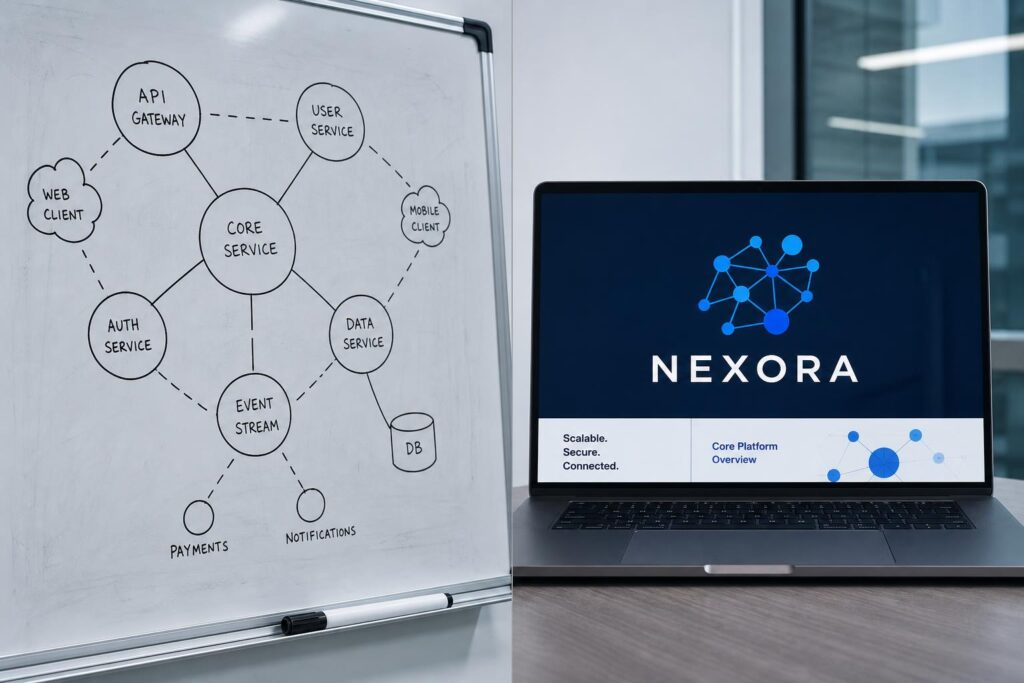
Before starting the logo design case study, he looked around his desk, grabbed a marker, and sketched the core concept of his app on his whiteboard — a network of nodes connecting to each other, representing how the tool links information across teams. He photographed it. Clean lines, black marker on white, nothing complicated.
The AI interpreted the node network as an abstract connection icon and matched it with a bold, modern sans-serif. Deep blue and white. The whole thing took nineteen minutes, including the whiteboard sketch. That image to logo for startups moment cost him essentially nothing. Finally, he put the logo on his deck cover, his app store preview, and his email signature.
→ Takeaway of logo design case study 3: A whiteboard sketch is the most authentic visualization of your product thinking — and a surprisingly strong branding starting point.
Case 4 — The Fitness Influencer: Turning a Silhouette Into a Brand Icon
Jade had 12,000 Instagram followers, a consistent posting schedule, and a fitness philosophy that her audience genuinely connected with. What she didn't have was a logo — which became a real problem when she started approaching brands for partnerships. Two collaborations fell through specifically because she couldn't provide vector source files. You can't print "I don't have a logo yet" on a sponsorship proposal.
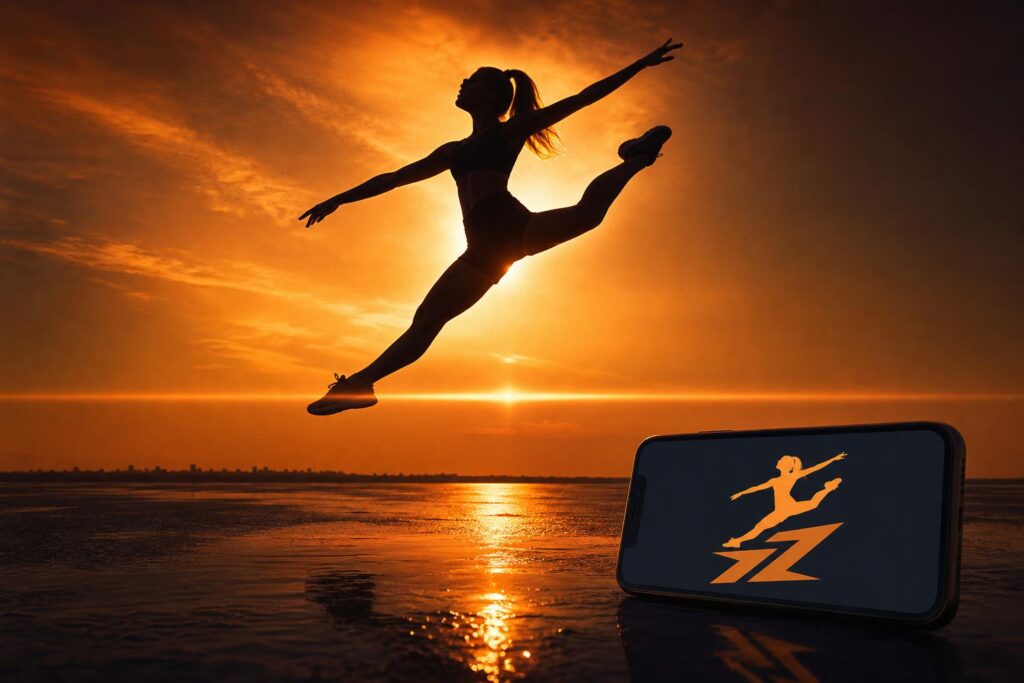
She pulled up a training session photo from golden hour — her silhouette against a deep amber sky, mid-movement, edges perfectly crisp from the backlight. During this logo design case study, she uploaded it.
The AI extracted her figure as a clean icon and paired it with a dynamic sans-serif for her brand name. Deep amber, charcoal, and white. The logo felt powerful without trying too hard.
→ Takeaway of logo design case study 4: Your personal silhouette is the most unreplicable visual anchor for a personal brand — and one of the input types AI handles best.
Case 5 — The Pet Owner: A Logo Design Case Study in Emotional Branding
Not every logo design case study involves a hustle story. Sometimes it's simpler: someone loves their dog very much and wants to sell mugs about it.
Kenji had a Shiba Inu named Mochi and an idea for a small merchandise brand built around him. He'd looked into custom illustration services — most quoted $200–$400, with turnaround times of 2–3 weeks. And the samples he saw didn't quite capture Mochi's specific brand of dignified skepticism.
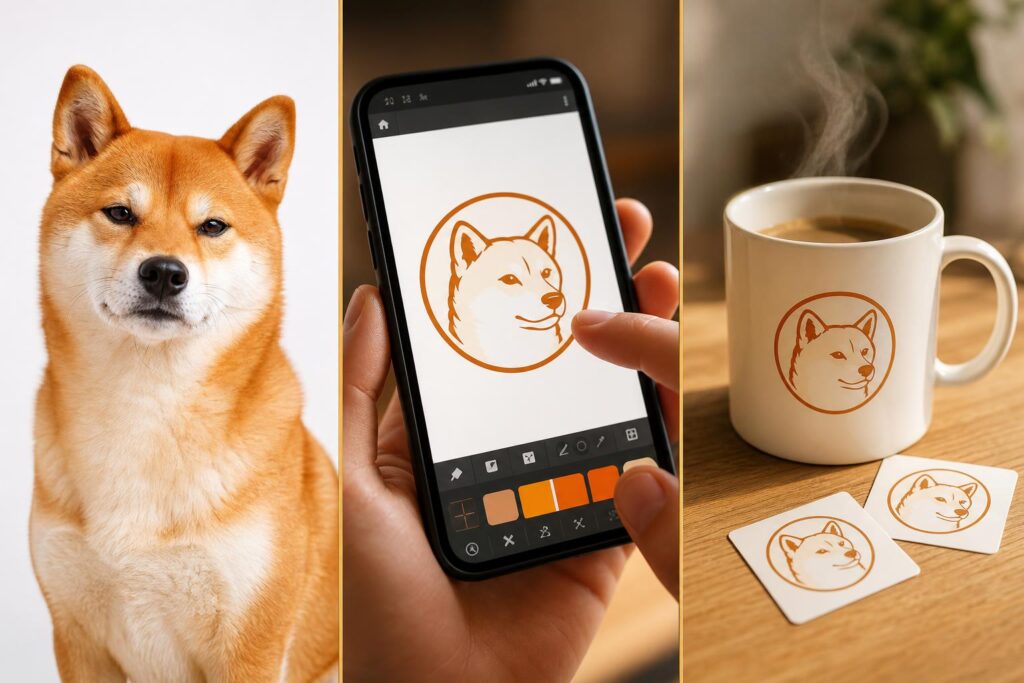
He took a front-facing portrait of Mochi on a white background — clean, direct, all face — and uploaded it. The AI traced the distinctive Shiba features into a line-art icon, placed it in a circular badge layout, and paired it with a playful handwritten font. Warm orange and cream. Finally, he produced merchandise featuring the logo design—mugs, stickers, and canvas bags.
→ Takeaway of logo design case study 5: Emotional buyers convert fast. Pet logos sit at the intersection of personal meaning and commercial appeal — a rare combination.
Case 6 — The Food Truck Owner: Making Family Heritage Visible
Darnell's BBQ recipes came from his grandmother. Every technique, every spice ratio, every slow-cook method was hers. When he launched his food truck, he knew the logo had to carry that story — not just look like another grill icon.
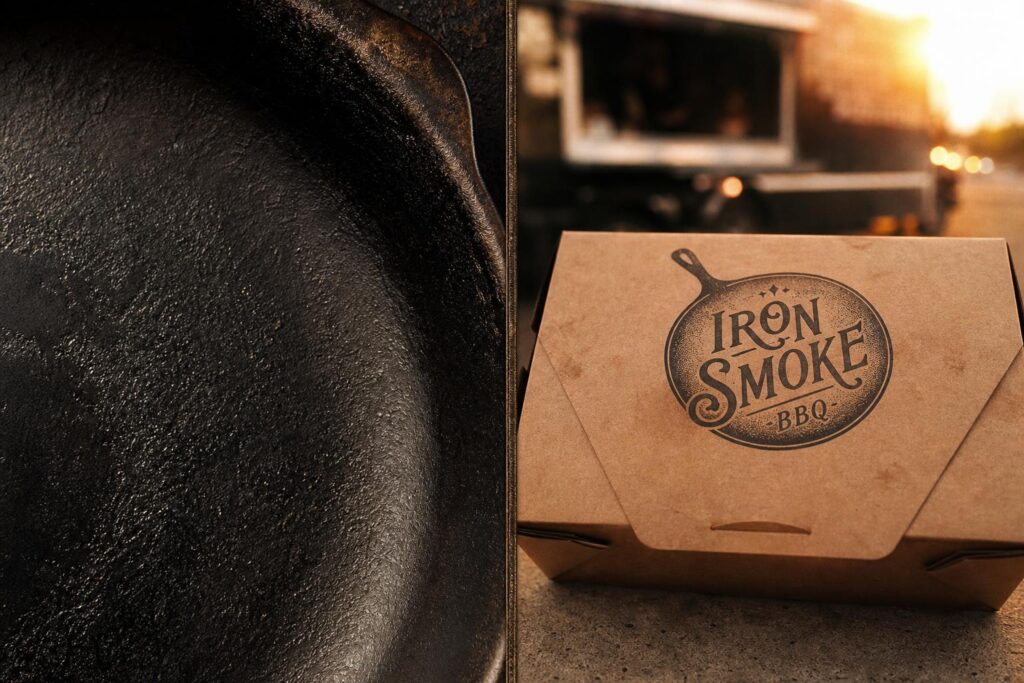
In this logo design case study, he photographed her cast iron skillet — the one she'd cooked everything in for fifty years. Worn, dark, with the kind of patina that only decades of use builds. He uploaded it expecting something decent. He got something special.
The AI extracted the skillet's circular silhouette and weathered texture into a vintage badge. The brand name was set in a hand-lettered serif that felt like something from a 1940s sauce jar. Deep brown and off-white. And the logo went on the truck, the packaging, and Instagram simultaneously. Customers started interesting about the shop and asking about the logo's story in the comments.
→ Takeaway of logo design case study 6: An object with a real story behind it will always outperform a stock asset. The logo's job is to make that story visible.
Getting Better Results: Common Mistakes in Image-to-Logo Design
Nobody's first upload is always perfect. Here's what goes wrong most often — and how to fix it without starting over during the logo design case study.
5 Mistakes That Ruin the Output (And How to Fix Each)
| Problem | Root Cause | Fix |
|---|---|---|
| Logo has too much detail, blurs at small sizes | Source image is too complex | Switch to a single-subject, high-contrast image; select "Simplified" style after generating |
| Output colors don't match brand tone | AI inherits image's dominant colors | Adjust image color tone before uploading, or override brand colors manually post-generation |
| Font and icon style feel mismatched | Default font recommendation doesn't align with icon tone | Lock in the icon style first (vintage / modern / handwritten), then filter the font library to match |
| Icon edges look blurry or low-detail | Complex background or unclear subject edges in source image | Crop and boost contrast before re-uploading; or switch to a subject-forward photo |
| Wanted multicolor gradient but only got flat color | Free plan limitation | Multi-color and gradient options available on paid plans — and honestly, single-color often looks more professional for print anyway |
Pairing LogoCreator With Your Existing Workflow
During the logo design case study, the logo is the start, not the finish line. Here's how it fits into the tools you're probably already using:
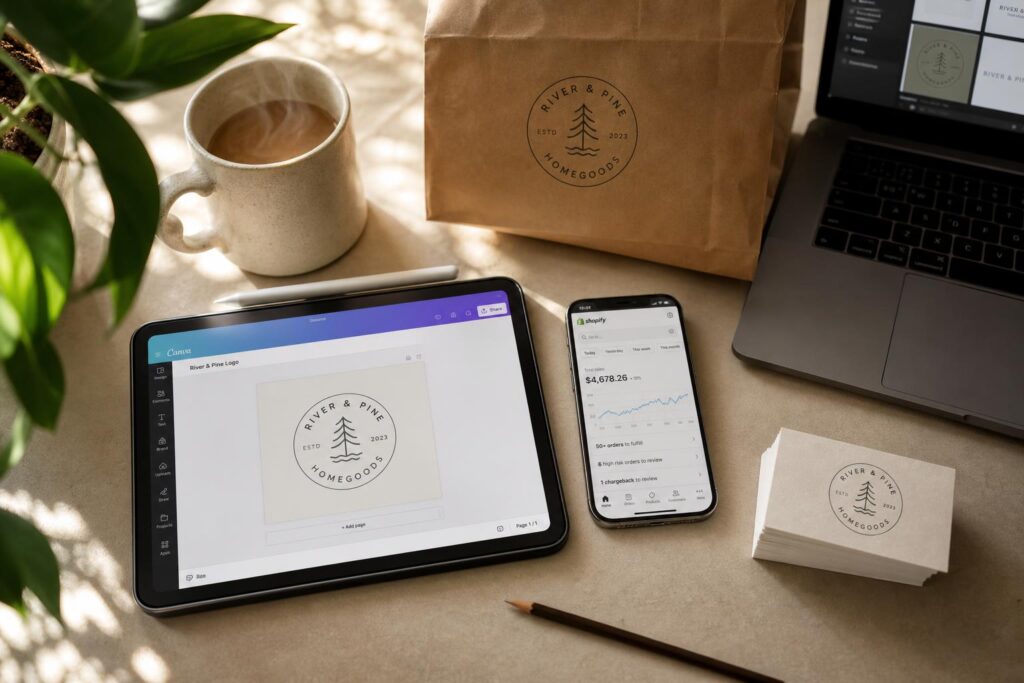
- Canva: Import your SVG to build social templates, business cards, and event banners that stay on-brand.
- Shopify / Squarespace: Upload the transparent PNG version directly to your site header. Done.
- Figma: Bring in the SVG to extend your brand color system into UI and app design.
- Print materials: Use SVG or EPS files for any physical output — they scale to any size without losing quality.
How AI Compares to Traditional Logo Design Options
Honest comparison time. Because "use AI" isn't always the right answer — it depends on where you are.
The Real Cost of 4 Logo Creation Methods
| Method | Cost | Timeline | Originality | Best For |
|---|---|---|---|---|
| Design Agency | $1,500–$10,000 | 3–6 weeks | High | Established brands post-funding |
| Freelance Designer | $300–$1,500 | 1–3 week | Medium-High | SMBs with design budget |
| Template Tools (Canva/Looka) | $0–$80 | Instant | Low (shared assets) | Brands that need placeholder fast |
FAQ — Before You Try Image-to-Logo AI
Q1: Can I use a photo taken on my smartphone?
Yes. JPG and PNG from any modern smartphone work well. Natural light, single clear subject, simple background — that combination covers 90% of what makes a good input image. You can just saw in the real logo design case study.
Q2: Will my logo look like someone else's?
No. Unlike template tools that draw from a shared library, this AI builds from your specific image. Different input = different output. It's genuinely yours.
Q3: Is this suitable for image to logo for startups preparing investor materials?
It worked for David. See logo design case study 3 — a real founder closed a $150K seed round with a logo that took nineteen minutes and cost him almost nothing. The bar isn't "perfect logo." It's "credible brand." AI clears that bar easily.
Your Brand Story Is Already in That Photo
Six cases. Six images. A drum full of coffee beans. A macramé knot. A whiteboard sketch. A backlit silhouette. A dog's face. A cast iron skillet with fifty years of seasoning.
None of these people started with a blank canvas in the logo design case study. They started with something that already existed — something that already meant something. The logo just made that meaning visible.
You probably have a photo like that somewhere. In your camera roll, on your desk, in a memory. The raw material for your brand identity is almost certainly already there.
✅ Upload any meaningful image — product shot, object, sketch, or personal silhouette
✅ AI extracts its visual core and turns it into a scalable, professional logo in minutes
✅ Real users have used it to enter retail, close investors, and build six-figure brands