thelogocreator Logo

Free AI Mockup Generator

Upload your logo to the AI mockup generator and create product, packaging, presentation, social media, and campaign visuals.

MOCKUP LIBRARY

Mockup ideas

History
Your generated mockups will appear here for 7 days.
HOW IT WORKS

How to Use the AI Mockup Generator

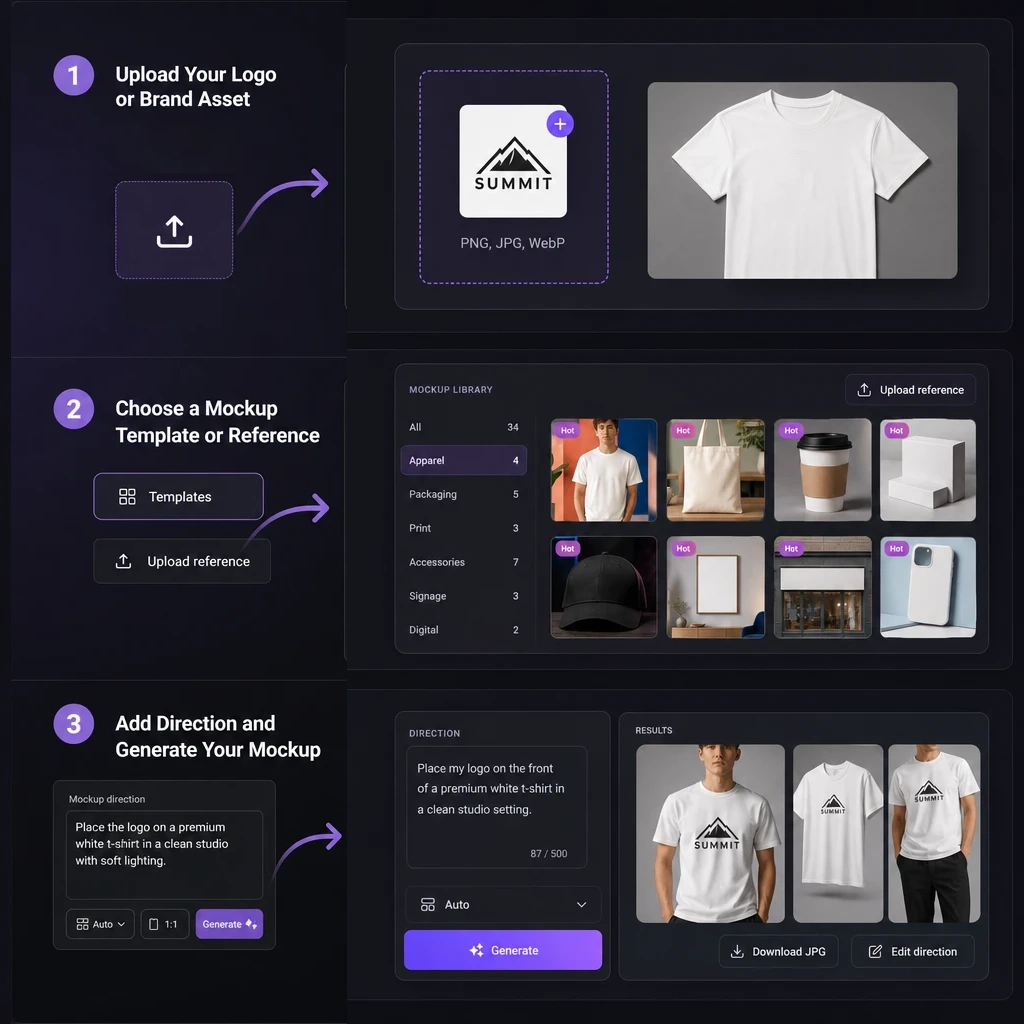
The AI mockup generator turns a flat logo into a useful brand application concept. Upload your asset, choose a product or scene direction, and add only the guidance you need. The AI mockup generator then creates results you can review, refine, and download.

AI mockup generator workflow
1

Upload Your Logo or Brand Asset

Upload a clear PNG, JPG, JPEG, or WebP logo, symbol, label, or other static brand asset. A clean image with a distinct main design gives the AI mockup generator a stronger reference. Your upload becomes the brand element applied to the selected product, display, or campaign scene.
2

Choose a Mockup Template or Reference

Choose a ready-made template for a quick start, or upload a product or scene image to guide the environment. Templates suggest directions for packaging, apparel, merchandise, signage, and displays. A custom reference helps the AI mockup generator understand the object, setting, composition, or presentation style.

3

Add Direction and Generate Your Mockup

Edit the recommended prompt or describe the product, logo placement, material, lighting, and surroundings. The AI mockup generator can also work from uploaded images without a detailed prompt. Choose the available settings, click Generate, and review the results in History. Open a result, edit its direction, or download the JPG.

WHY LOGOCREATOR

Why Use LogoCreator's AI Mockup Generator

LogoCreator's AI mockup generator turns a flat brand asset into clear product, packaging, and campaign concepts.

01

Present Your Logo in Real Brand Scenes

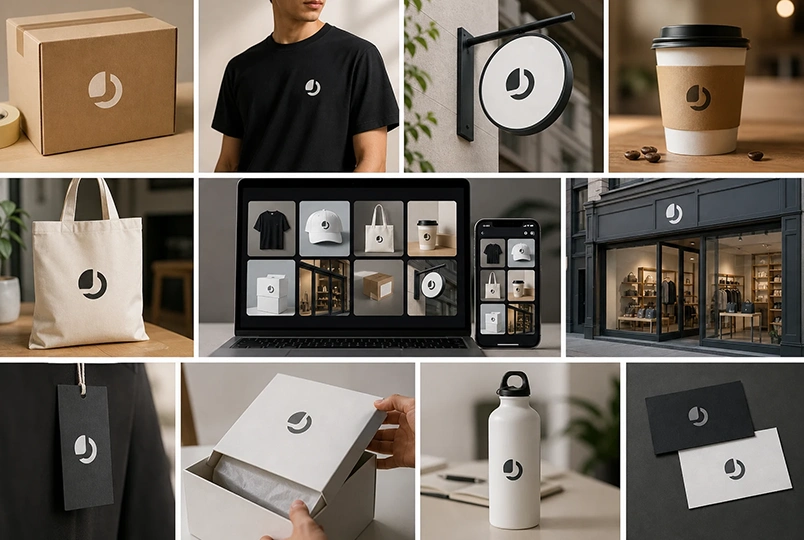
Place your logo into packaging, apparel, products, signs, and other recognizable settings. The logo mockup generator makes a proposal easier to understand by showing more than an isolated mark. Use the results to discuss direction, compare applications, or show how an identity could extend across brand touchpoints.

02

Create Custom Mockups Without Complex Software

You do not need an advanced production workflow to explore a brand application. Upload your asset, choose a direction, and let the AI mockup generator build a visual concept around it. The brand mockup generator helps founders, sellers, and marketers test ideas earlier, while designers can explore presentation routes before deeper refinement.

03

Start with a Template, Reference, or Prompt

Select a template for a fast product setup, upload a reference when you know the setting, or describe the result with a prompt. Combine these inputs to guide materials, composition, placement, and atmosphere. The custom mockup generator supports both quick experiments and specific brand presentation ideas.

EXPLORE IDEAS

Explore AI Mockup Ideas

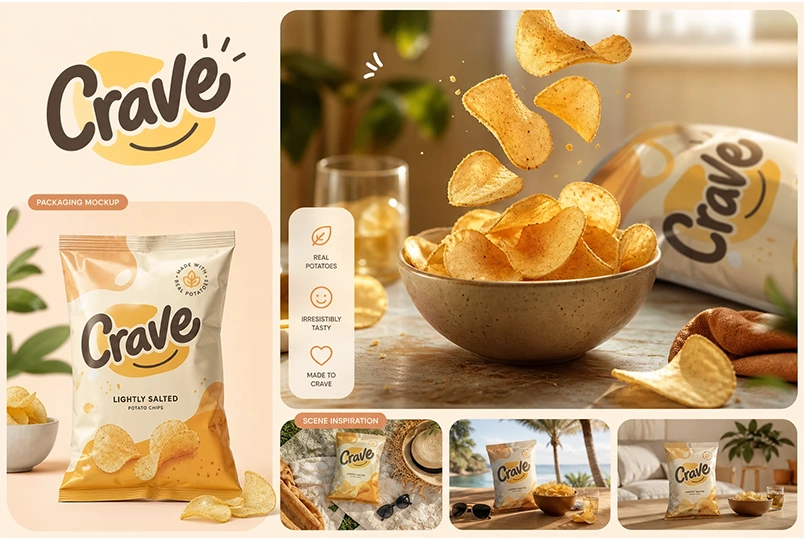
See how a single logo can move across apparel, packaging, product displays, storefronts, social media, and event visuals. Use these AI logo mockup examples for inspiration, then return to the AI mockup generator with a clearer product, material, scene, or campaign direction.

EXPLORE MORE

More Ways to Build Your Brand

USE CASES

Where Can You Use an AI Mockup?

The AI mockup generator helps communicate a brand idea before a physical sample or complete campaign. Use it for visual exploration, stakeholder discussions, content planning, and presentation concepts.

Logo Presentations and Brand Reviews

Turn an isolated logo into a clearer brand story for pitches, client reviews, and internal approval. The AI mockup generator helps decision-makers picture the identity on meaningful surfaces instead of judging only a flat graphic. Compare directions, collect feedback, and use the selected concept to guide refinement.

Packaging and Product Applications

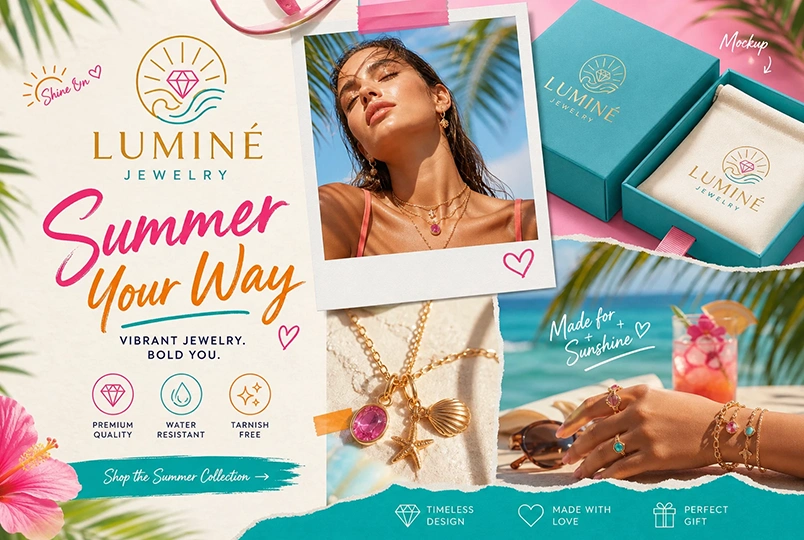
Explore a logo on boxes, pouches, bottles, labels, cups, bags, apparel, and merchandise. The AI product mockup generator supports early packaging ideas, ecommerce planning, launch decks, and branded product concepts. Confirm production dimensions, materials, and print requirements separately.

Social Media and Event Campaigns

Build directions for social posts, announcements, event posters, launch graphics, and promotions. The AI mockup generator helps small teams show a logo within a broader campaign scene. Try different references or prompts to explore how one identity can adapt across digital and event contexts.

TESTIMONIALS

What Users Say About the AI Mockup Generator

From early logo proposals to campaign planning, users turn to the AI mockup generator when they need a faster way to make a static brand asset feel tangible.

I used the AI mockup generator to show a client how their new logo could work on packaging and storefront materials. Seeing the mark in context made the review much more focused than presenting another page of flat logo files.

Maya L.
Maya L.Brand Consultant

For an early product idea, I needed something clearer than a logo on a white background. The template and reference options helped me build packaging directions I could discuss with suppliers and my small team.

Daniel R.
Daniel R.Ecommerce Founder

The AI mockup generator lets me begin broadly, then edit the prompt when I want a more specific material or setting. It gives me quick presentation concepts before I move into detailed design work.

Noor P.
Noor P.Freelance Designer

I used the AI mockup generator to create several brand scenes for a launch plan. The results helped us decide which direction to develop for social posts and an event announcement.

Ashley K.
Ashley K.Social Media Manager
READY TO CREATE

Create with the AI Mockup Generator

Upload your logo, choose a product or scene direction, and create your first brand application with the free AI mockup generator. Review the result, then refine the prompt or reference to explore another direction.

FAQ

Frequently Asked Questions About AI Mockups

An AI mockup generator uses an uploaded logo or brand asset with a template, reference image, or prompt to create a visual application concept. The AI mockup generator can show branding on products, packaging, apparel, signs, social graphics, and other scenes without requiring users to construct every mockup manually.

Yes. New users receive enough free credits to complete at least one generation with the free AI mockup generator. Additional generations use the credit amount displayed in the interface. Free access is intended for trying the workflow and does not mean unlimited generation or permanently free usage.

You can upload a logo or static brand asset in PNG, JPG, JPEG, or WebP format, up to the file-size limit shown in the upload area. For a clearer result, use an image where the main logo or graphic is easy to identify and is not hidden by unnecessary background details.

No. A template gives the AI mockup generator a quick product or scene direction, while a custom reference guides a particular object, setting, or composition. Both are optional. You can use either one, combine the available visual inputs, or begin with your logo and a written prompt.

Your uploaded logo and selected template or reference image can provide enough direction for the AI mockup generator to begin. A prompt is useful when you want to specify details such as the product, logo placement, material, environment, lighting, or mood, but it does not need to be long or technical.

The packaging mockup generator can explore boxes, bottles, labels, and bags, then extend the same workflow to apparel, merchandise, signage, product displays, social graphics, and event posters. Each result depends on the uploaded asset and the direction provided through the template, reference image, and prompt.

The AI mockup generator uses the uploaded logo as its core brand reference, but results can reinterpret details, placement, color, or proportions. Review each output before using it as a presentation or production reference. If needed, revise the prompt, choose another reference, or generate a new direction.

Open an AI mockup generator result and use Download to save the current JPG. Recent tasks remain available in History for 7 days, where you can view results or return to their prompt direction. Download any mockup you want to keep before its history period ends.