thelogocreator Logo

AI Logo Generator — Free AI Logo Maker Online

Describe your brand in a sentence and let an AI logo generator turn it into a usable logo. Pick a style, choose a color palette, then download the result. No design skills required.

Quick create
Visual direction
Color palette

1 logo · 4 credits

Your logo result

Your generated logo will appear here in seconds.

Need reference images, format options, or batch generation? Open AI Logo Creator →

HOW IT WORKS

How to generate a logo with an AI logo generator

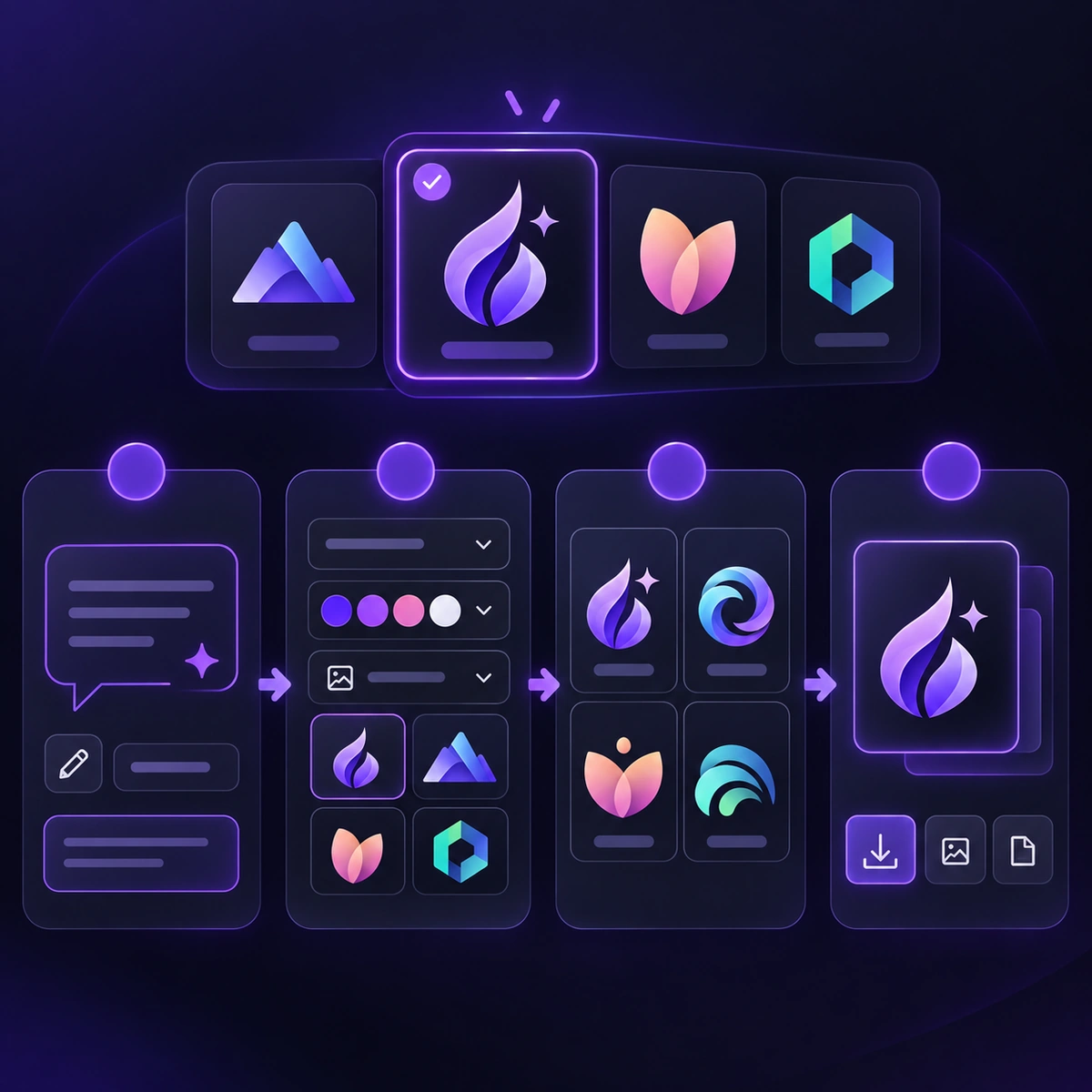
Create a starting logo in four focused steps. Describe the brand, set a visual direction, then download or continue refining the result.

Four-step logo generation workflow
1

Describe your brand and logo idea

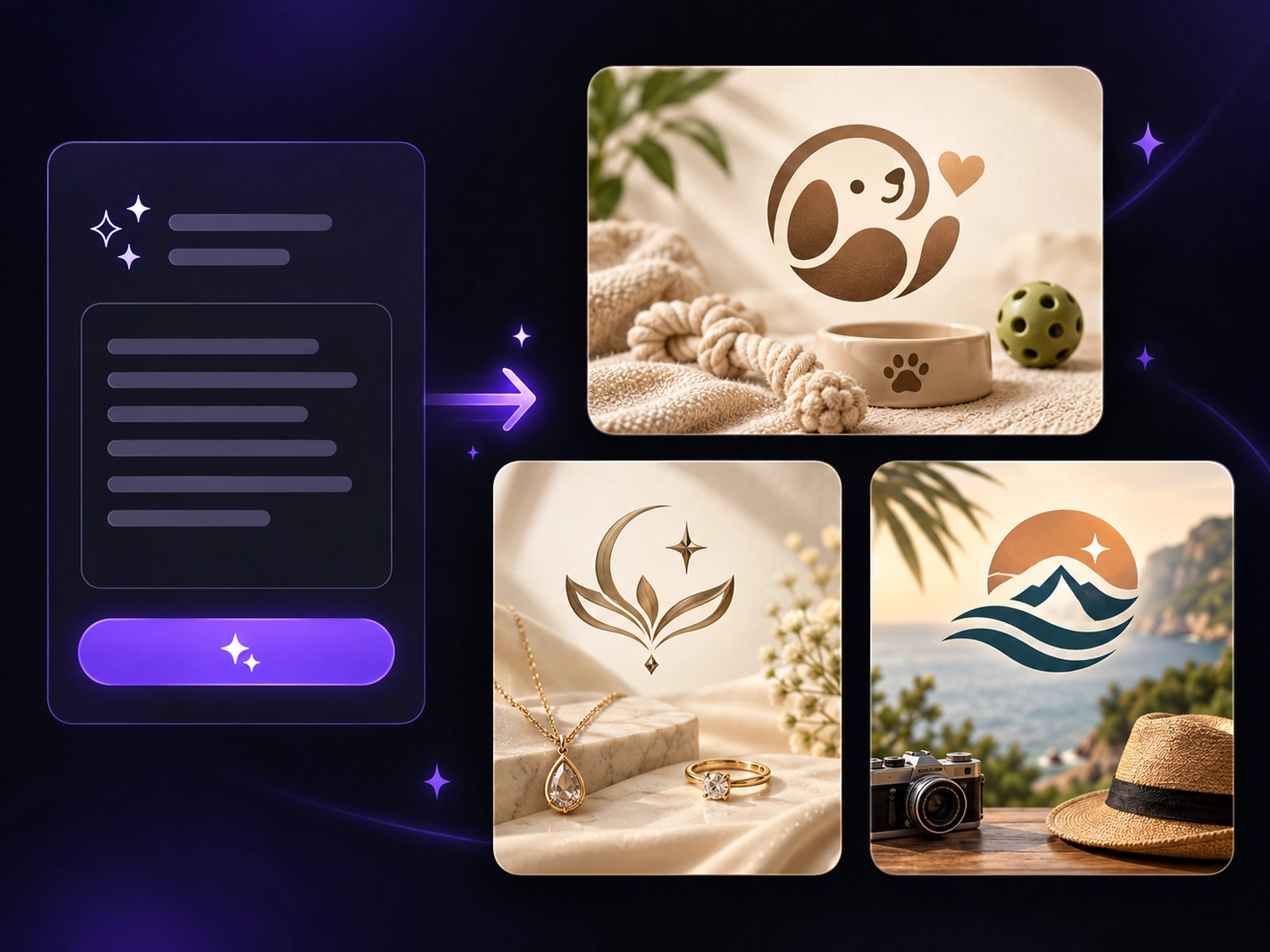
Write a short prompt about your brand — what it does, how it should feel, and any symbol or mood you have in mind. A single sentence is enough to start. If your first idea feels rough, AI Enhance can turn it into a clearer prompt for the AI logo generator.
2

Choose a style and color palette

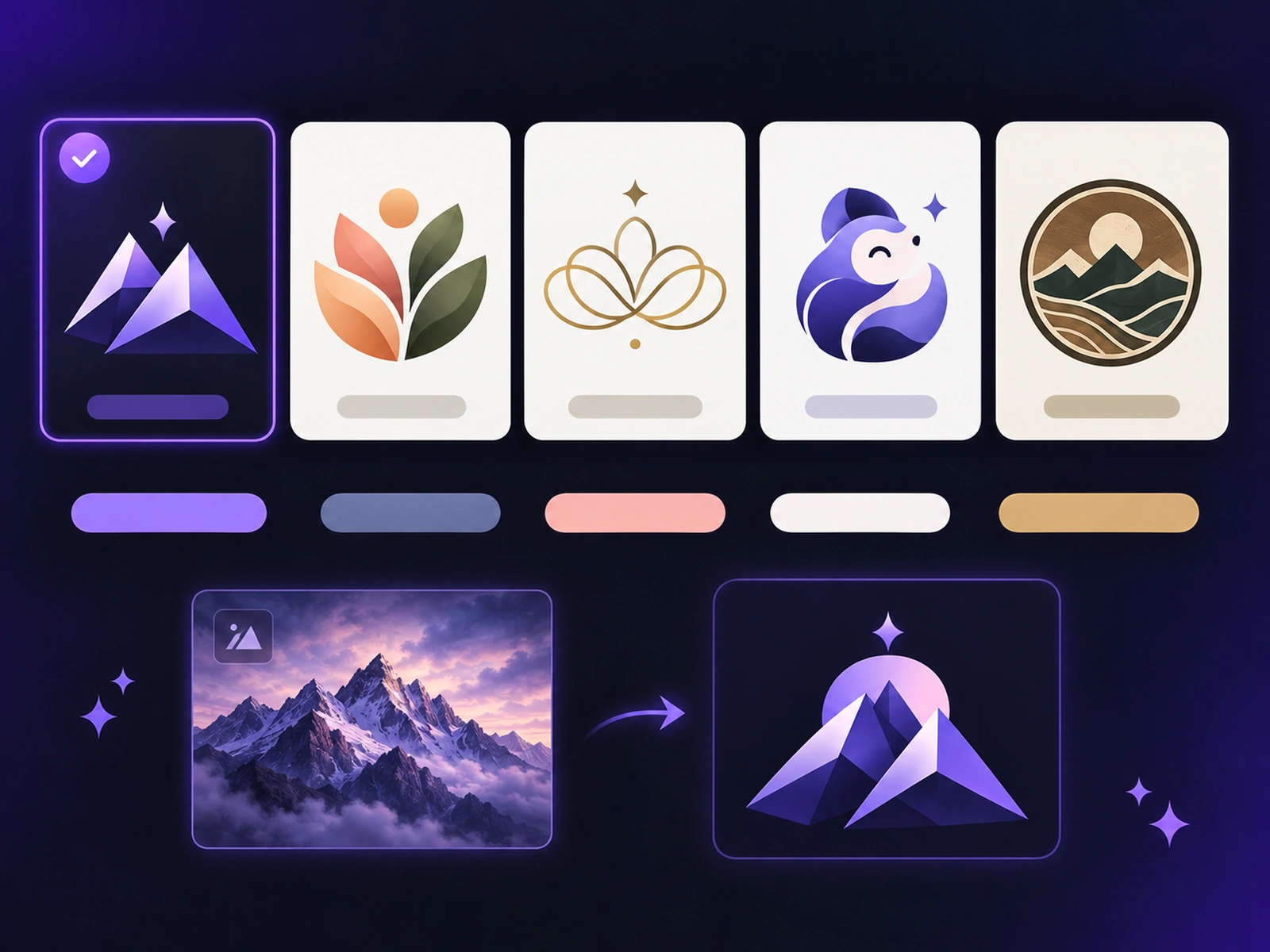
Pick a visual direction that fits your brand, then choose a color palette to guide the result. These quick controls keep the brief clear without turning the workflow into a long design form.

3

Generate your logo

Click Generate to create one logo from your prompt, style, and palette. Open it in a larger preview to check the mark, then generate again when you want to explore a new direction.

4

Download or refine the result

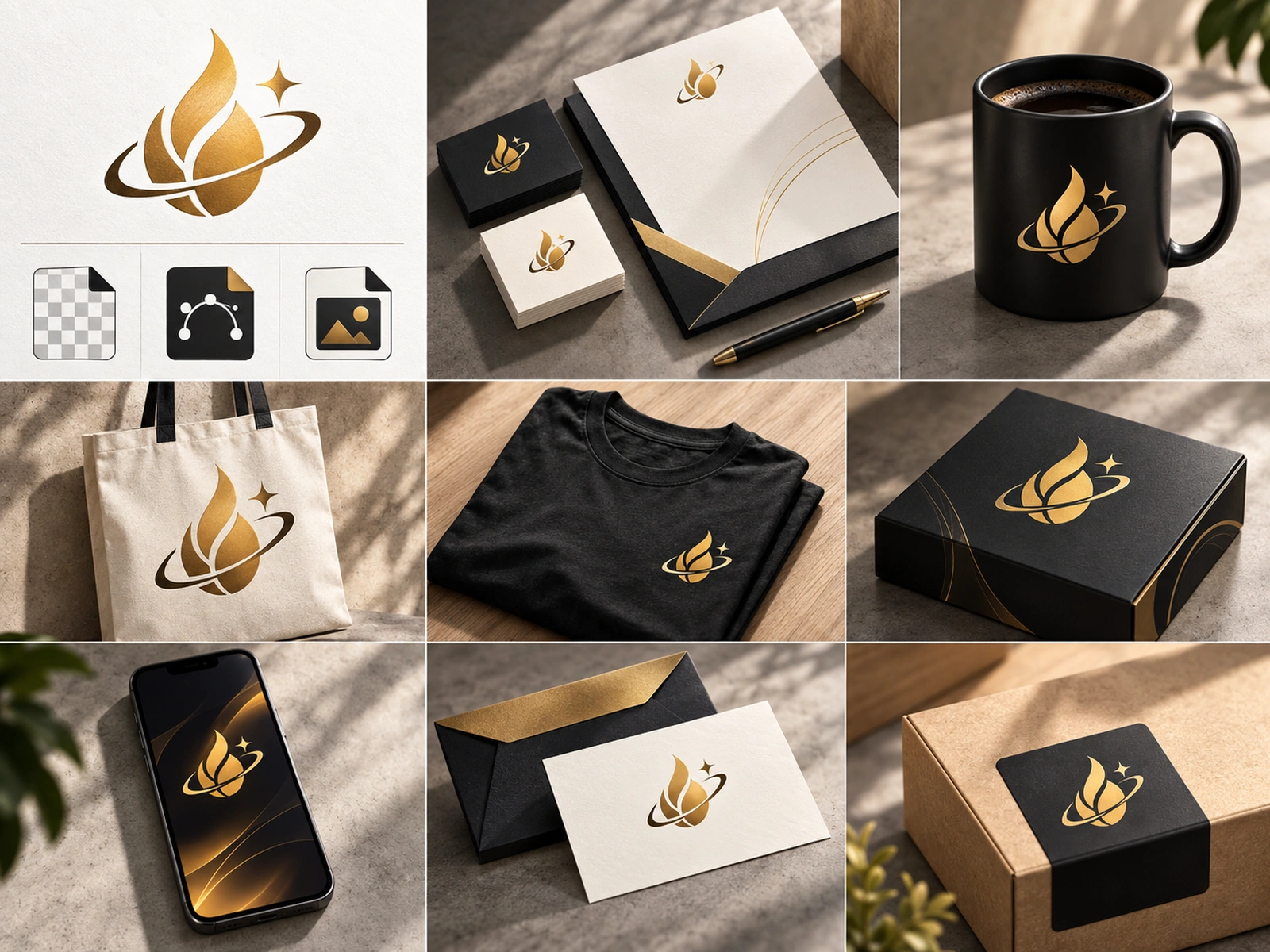
Download the JPEG result on this page. When you need a mockup, a transparent background, or SVG output, continue with the matching post-generation tool.

WHY LOGOCREATOR

Why use LogoCreator as your AI logo generator

Most logo tools hand you a template and ask you to fill in the blanks. LogoCreator starts from your description and builds directions around it.

01

Prompt-first logo generation

You are not choosing from a fixed library. The AI logo generator reads your prompt — industry, mood, symbol, visual direction — and produces a logo built around that brief. It is the fastest way past the blank page, especially when you know what your brand means but not how it should look.

02

Style and color direction

Steer the result without writing a long design brief. Choose a visual direction, then pick a color palette to give the AI logo generator a clear, focused starting point. If you already have a sketch, product photo, mascot, or existing mark, start with Image to Logo instead.

WHO IT'S FOR

Who Is This AI Logo Generator For

An AI logo generator for small business is most useful when you need a credible brand mark quickly and cannot wait on a full design process.

01

Startup founders

Test visual directions for a pitch deck, landing page, or app store listing before committing to a full brand design. It makes exploring several directions in an afternoon cheap.

02

Small businesses and online shops

Get a starting logo for a cafe, salon, studio, boutique, or storefront without a long design process. Download the result, then continue with the tools you need for signage, packaging, and social profiles.

03

Creators and freelancers

Build a personal mark for a channel, newsletter, portfolio, or client moodboard. When you are presenting early concepts, the tool gives you something concrete to react to instead of a verbal description.

REAL RESULTS

What Small Business Owners Say About Our AI Logo Generator

See how startup founders use an AI logo maker for startups, small business owners use an AI logo generator for small business branding, and online sellers use an AI logo maker for online store branding—from an early idea to a logo they can put to work.

I wrote one sentence about my bakery and had a logo direction to react to before my coffee went cold. It picked up the tone I was after without me explaining it twice.

Lena W.
Lena W.Cafe Founder

We used the AI logo generator for a client moodboard. Pointing at real options instead of describing them cut the review conversation in half.

Marcus D.
Marcus D.Brand Strategist

No design background here. I picked a style preset, set my palette, and got a mark I actually put on my storefront sign.

Sofia B.
Sofia B.Small Business Owner

I sell mostly online, so the same logo has to work as a tiny profile picture and as a full-width shop banner. I ran the AI logo maker a few times until the spacing looked right, then reused the file for packaging and my store page.

Ravi N.
Ravi N.Online Store Owner
FAQ

Frequently Asked Questions about AI logo generators

The best AI logo generator is the one that fits how you like to work. Some tools start from templates you edit; LogoCreator starts from your description and generates directions around it. If you want to guide the result with a style and color palette rather than editing a fixed layout, that prompt-first approach tends to get you to a usable concept faster.

LogoCreator offers a free-credit starting option. Check the credits shown in the product before you generate, then decide whether the workflow is right for your brand.

You can browse and explore before creating an account. An account is what keeps your logo history and downloads tied to you, so you can return to a previous direction later rather than starting over.

This quick generator starts from a written description. If you already have a product photo, sketch, mascot, or existing mark, use our AI logo maker from image to turn that visual starting point into a stronger logo direction.

This quick workflow uses a written prompt, a style, and a color palette. For reference images, output formats, or batch generation, use the advanced AI Logo Creator workspace.

No. You do not need to know anything about typography, layout, or color theory. Write a sentence about your brand, pick a style preset if you want a clearer direction, and generate. Every result can be previewed before you decide, so nothing is locked in.

If you want to transform an existing mark while keeping it recognizable, start with Image to Logo. Upload the logo, describe the style direction you want to explore, and review the result before replacing your original file.

Start with a short description of your brand, then choose a style and color direction. The generator turns those instructions into logo concepts that you can preview, refine, or use as a starting point for another direction.

You can refine the direction by changing your description, style, or color palette and generating another concept. For broader control over a finished mark, download the format that best fits your next design step.