thelogocreator Logo

3D Logo Maker: Create 3D-Style Logos Online

With this 3D logo maker, turn an existing mark or a simple idea into a polished 3D-style logo for launches, social content, and digital brand moments. Choose a visual direction, generate variations, and refine the one that feels right.

Choose a 3D style
History
No tasks yet. Your generated logos will show up here.
HOW TO USE

How to Use This 3D Logo Maker

One tool supports two starting points. Upload a logo to explore a new visual treatment, or write a description to create a new idea. The tool lets you begin with the path that fits your starting point and uses an uploaded image as your reference when one is available.

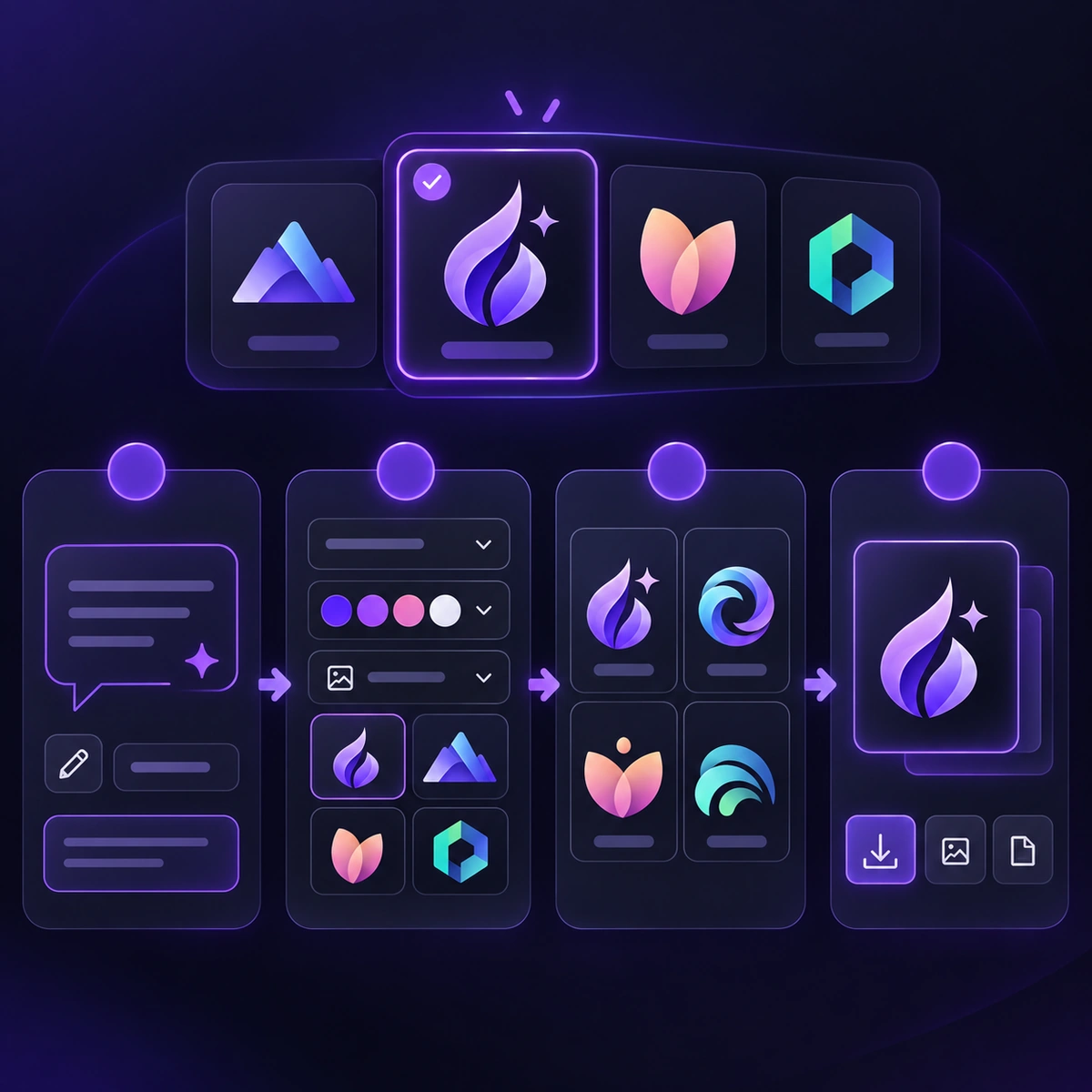
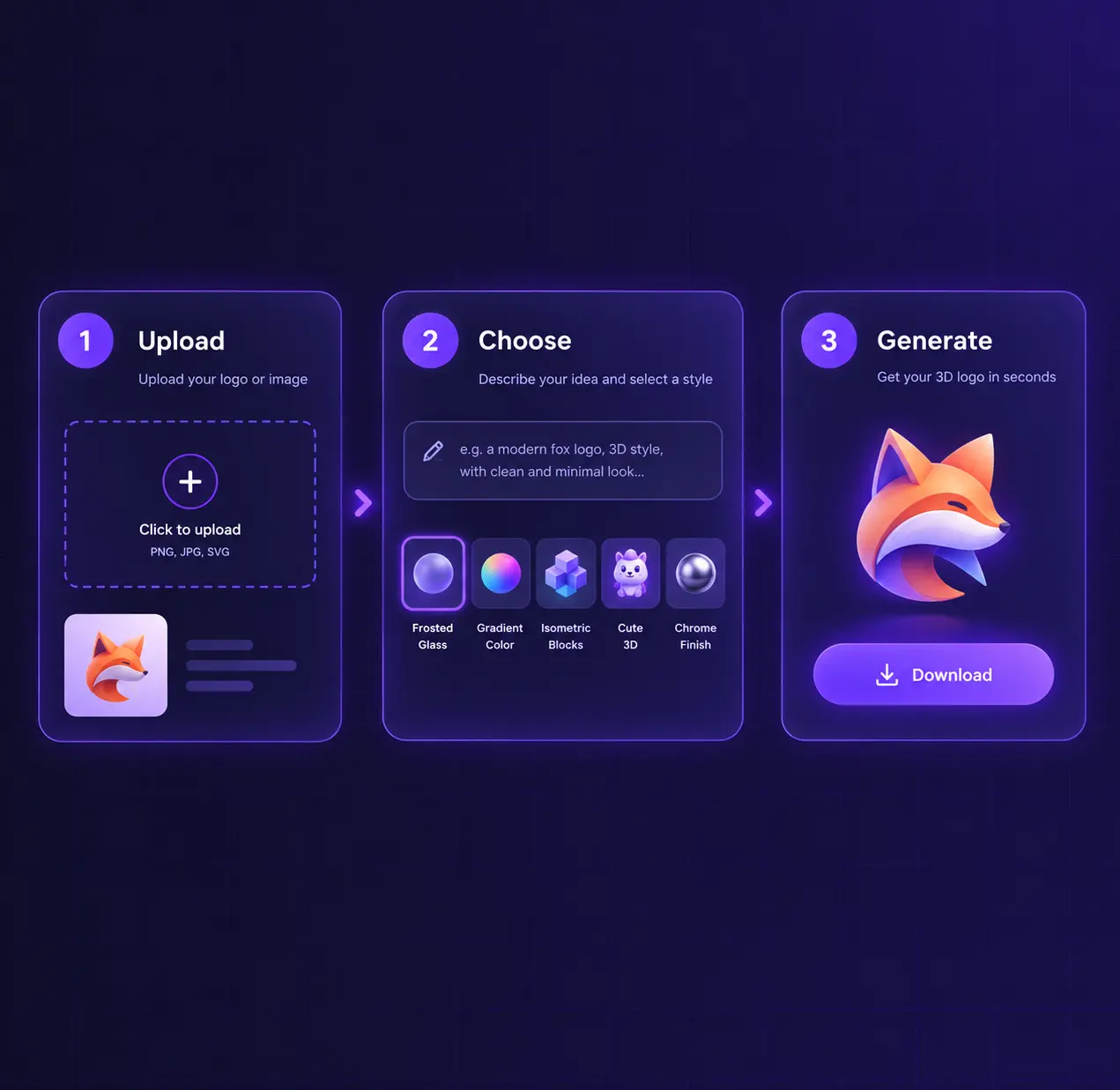
3D logo maker workflow
1

Start with an Existing Logo

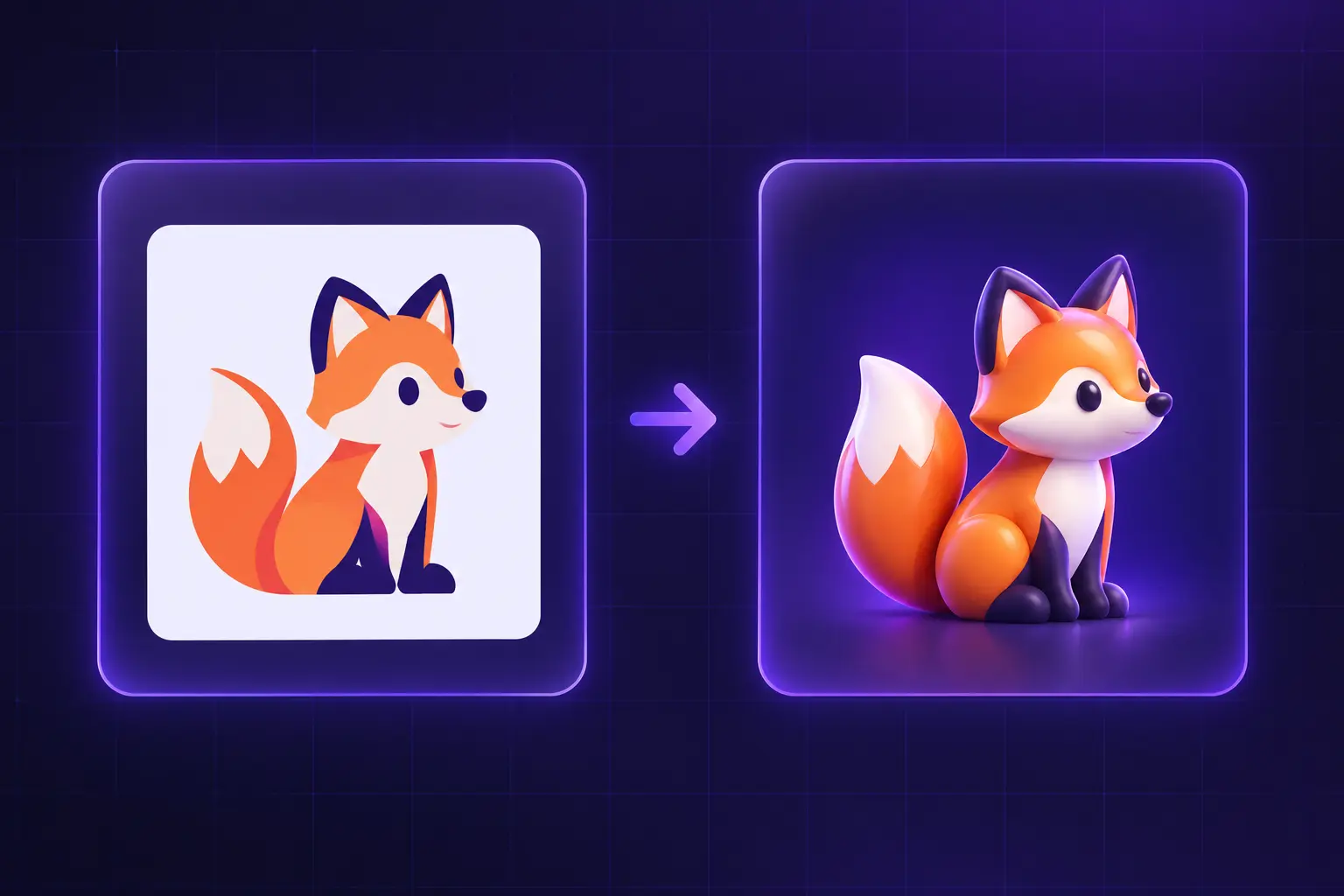
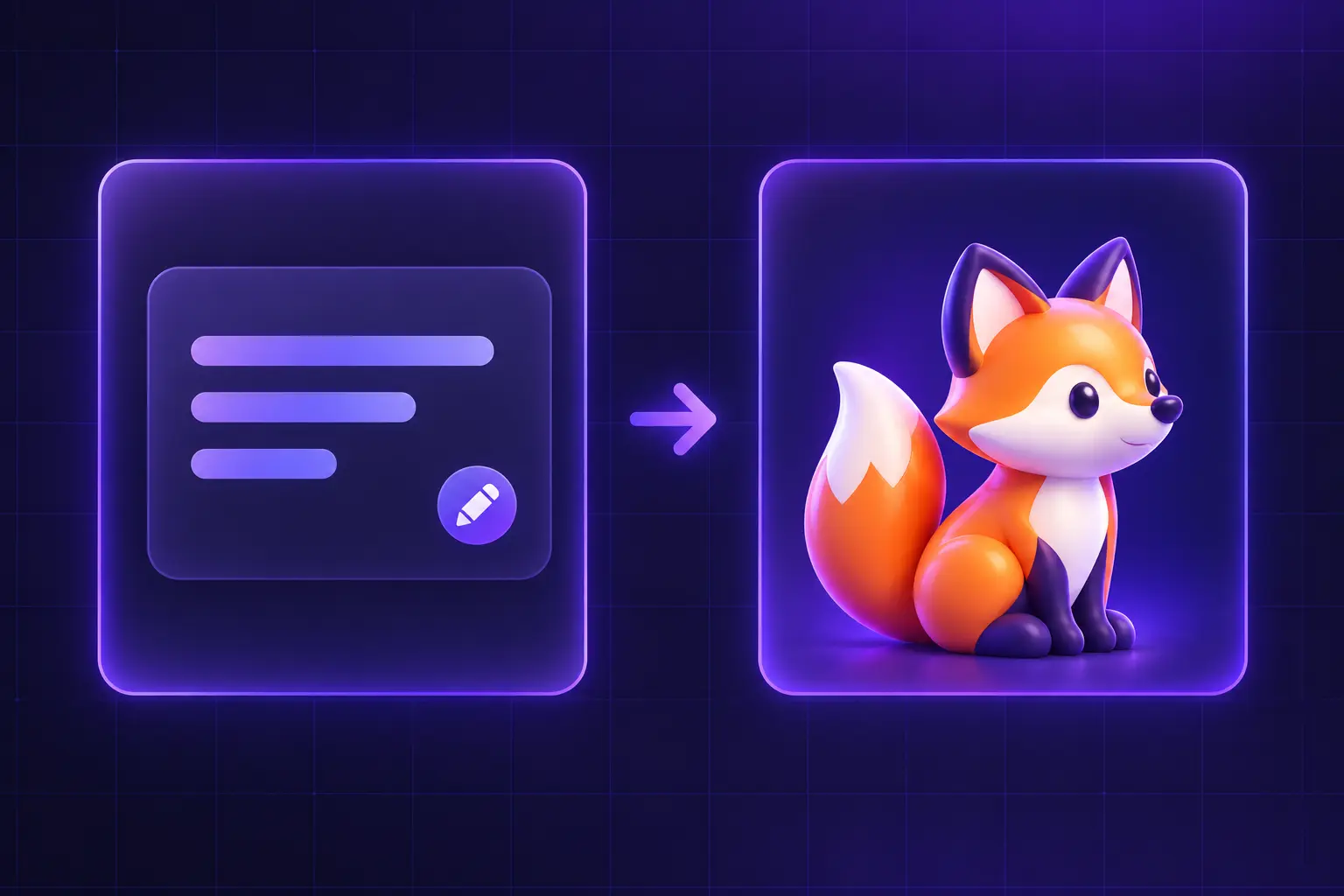
To make a logo look 3D, upload your mark and choose the style you want to try. It uses your upload as visual guidance for the new direction. You can leave the description blank or add a note about details you would like the new image to follow, such as its shape, colors, or lettering.
2

Or Describe a New Logo

No logo yet? To create a 3D logo from text, describe a symbol, a brand name, and the visual mood you have in mind. This 3D logo maker turns your written brief into the starting point for a new concept when no image is uploaded.

3

Choose a Style and Generate

Pick a 3D style, generate your image, and review the result. You can return to the prompt, choose another style, and explore a new direction. Download the version you prefer.

WHY USE IT

Why Use Our 3D Logo Maker?

Explore dimensional logo visuals from the mark you already have or an idea you are still shaping. It makes it easy to compare a familiar mark with a fresh visual treatment, then review, share, and refine the result through another generation.

01

Give Your Existing Logo a New Look

Use an uploaded logo as the visual reference for a brand refresh. The tool helps you explore a new finish without starting the conversation from zero. Explore glass, gradient, geometric, mascot, or metallic treatments, then compare the new direction with the elements your audience already recognizes.

02

Create a Logo from a Simple Description

Start with a few words about the symbol and mood you want. Use the 3D logo maker to move from a rough brief to a visual direction, then add a brand name or colors when they matter and explore how each style changes the idea.

03

Give Your Brand a More Dimensional Look

Give familiar brand elements a fresh visual presence for launch concepts, presentations, and social campaigns. This 3D logo maker gives you a focused way to test a bolder treatment before a launch. Explore a direction, compare the result with your original idea, and refine it through another generation.

04

Explore 3D Logo Styles

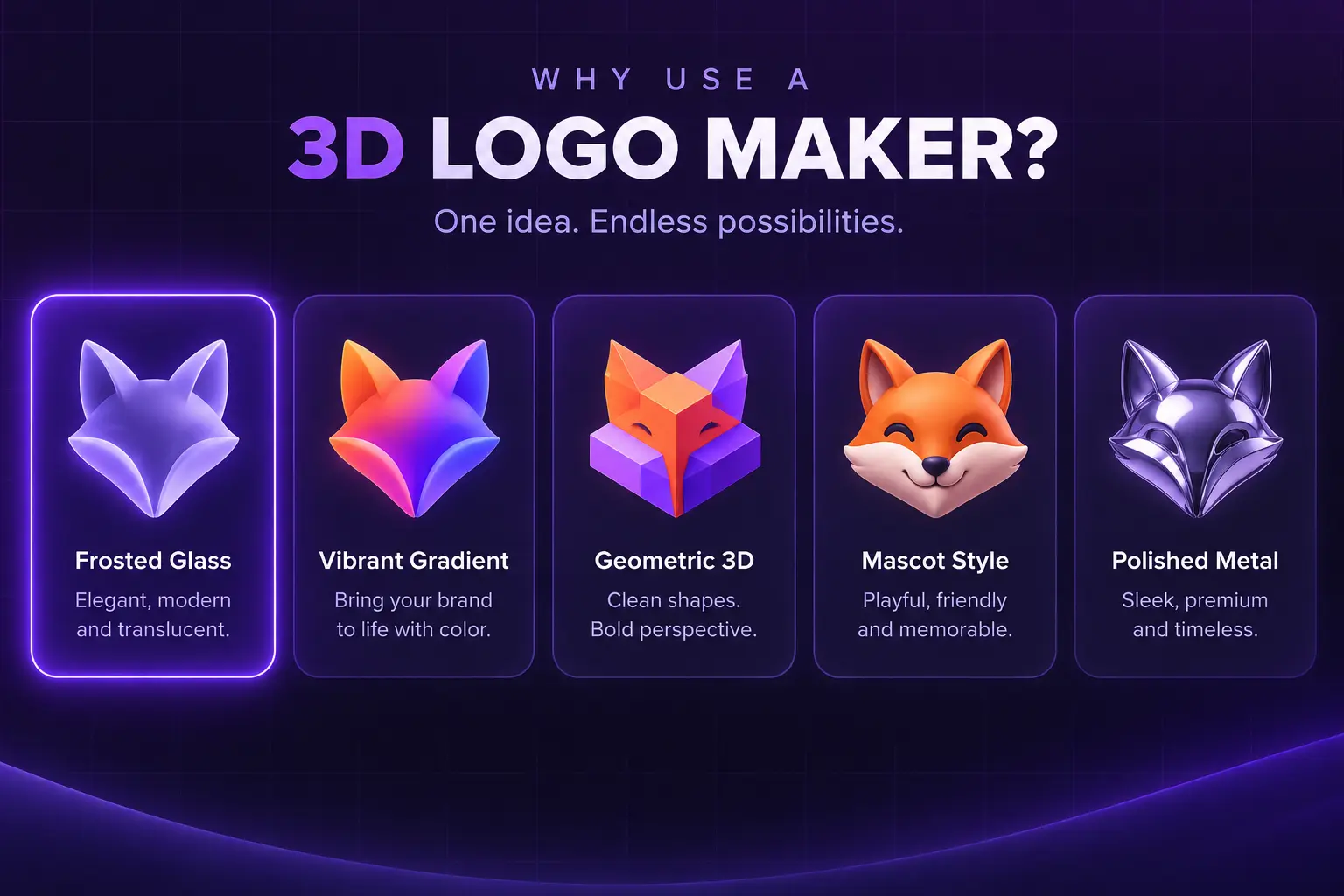
The same logo idea can feel completely different when its surface, color, and lighting change. The 3D logo maker keeps these style comparisons in one creation flow, so you can browse the current collection of directions and choose the one that suits your brand.

EXPLORE MORE

More Ways to Build Your Brand

USE CASES

Where You Can Use Your 3D-Style Logo

A 3D-style logo can give a familiar brand a fresh visual presence across launches, campaigns, and concept decks. The tool helps you carry that direction into your next digital touchpoint and the assets that tell your next brand story.

Website and Landing Page Visuals

Give a launch page or product story a stronger focal point with a logo that feels more dimensional and memorable at first glance. Use the 3D logo maker to explore the right focal treatment before publishing.

Social Posts and Campaign Concepts

Create a distinctive visual direction for campaign teasers, social posts, and announcement graphics that need to stand out in a fast-moving feed. The 3D logo maker can help you develop a recognizable campaign look from the same idea.

Brand Presentations

Make a new brand direction easier to discuss in pitch decks, client reviews, and internal workshops by showing how a familiar mark can evolve. Bring a 3D logo maker result into the discussion when comparing possible visual directions.

Digital Mockups

See how a 3D-style logo feels on packaging, product scenes, and promotional visuals before you commit to a wider campaign direction. Use a 3D logo maker result in a mockup to assess its role within the campaign.

WHAT USERS SAY

What Creators Say About Our 3D Logo Maker

Feedback from creators who used the 3D Logo Maker to explore a new 3D-style direction from an existing logo or a written idea.

“

I uploaded our existing logo because we wanted to explore a fresher visual direction without losing the parts people already recognised. The 3D Logo Maker gave us a useful starting point for discussing a brand refresh with the team.

Ananya R.
Ananya R.Small Business Owner
“

We only had a rough idea of the symbol and mood we wanted. Writing it out and seeing a 3D-style logo direction helped us turn an abstract conversation into something concrete we could react to.

Marcus T.
Marcus T.Freelance Designer
“

Trying different 3D logo styles made it easier to see how lighting, texture, and depth could change the personality of the same idea. We used the comparisons to narrow down the direction that felt right for our brand.

Elena R.
Elena R.Marketing Manager
“

We needed a stronger visual for an upcoming digital launch. Exploring a dimensional logo treatment gave our landing page and social concepts a more distinctive focal point before we developed the wider campaign.

Thomas B.
Thomas B.Startup Founder
READY TO CREATE

Make Your Next 3D-Style Logo

Start with the logo you already have or describe a new idea. Use our 3D logo maker to explore a style, review the image, and keep creating until you find a direction you like.

FAQ

Frequently Asked Questions

Yes. Describe the logo you want, choose a style, and generate. Without an uploaded image, your description guides the new logo concept.

Yes. Once your logo has uploaded successfully, you can choose a style and generate. A description is optional and can add extra direction.

Your image guides the new result, but generated details can change. Review the shape, colors, and lettering carefully before using the image for your brand.

You can explore Glassmorphism, Gradient Volumetric, Pseudo-3D, 3D Mascot, and Metallic. The 3D logo maker applies each style to the image or idea you provide.

This tool creates a 3D-style logo image, not a rotatable or editable 3D model.

You can revisit the inputs, change the description or style, and generate another version. The generated image itself is not a layer-based design file.

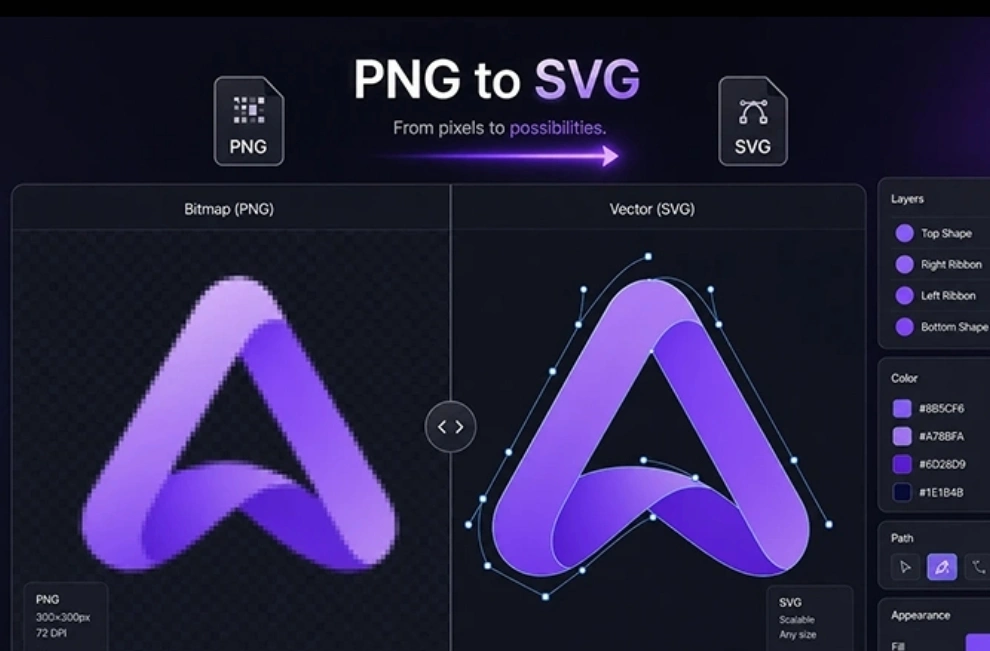
Choose the format that suits your next step: JPEG Standard for everyday sharing, PNG Transparent for flexible placement, or SVG Vector for scalable brand assets. These are logo image files, not 3D model files.

A 3D-style logo uses lighting, depth, texture, or dimensional form to make a brand mark feel more expressive on screen. The 3D logo maker applies those visual qualities to the logo image it creates, helping a familiar identity feel newer, bolder, or more campaign-ready.

They can be a useful way to explore a new visual direction for a launch, campaign, or digital update. Use the 3D logo maker to explore that direction, then keep the details that make your brand recognizable and review readability and fit before using the result more widely.