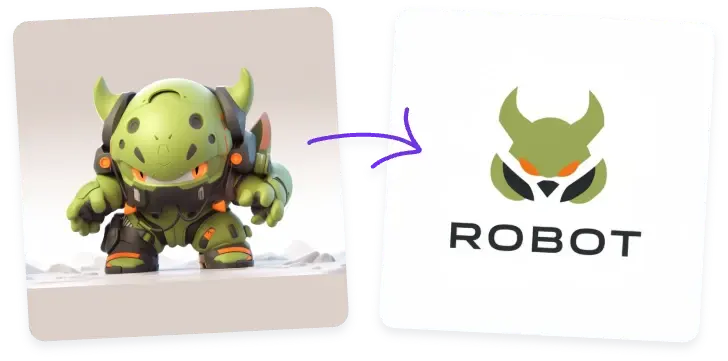


Our Image to Logo Converter helps you transform any image into a clean, scalable, and professional logo. Whether you want to convert image to logo for a brand, a social media profile, an online shop, or a personal project, our AI makes the process simple.
Upload a photo, choose your preferred style, and let the AI Image to Logo engine create a refined logo design that highlights the essential shapes, colors, and identity you want.

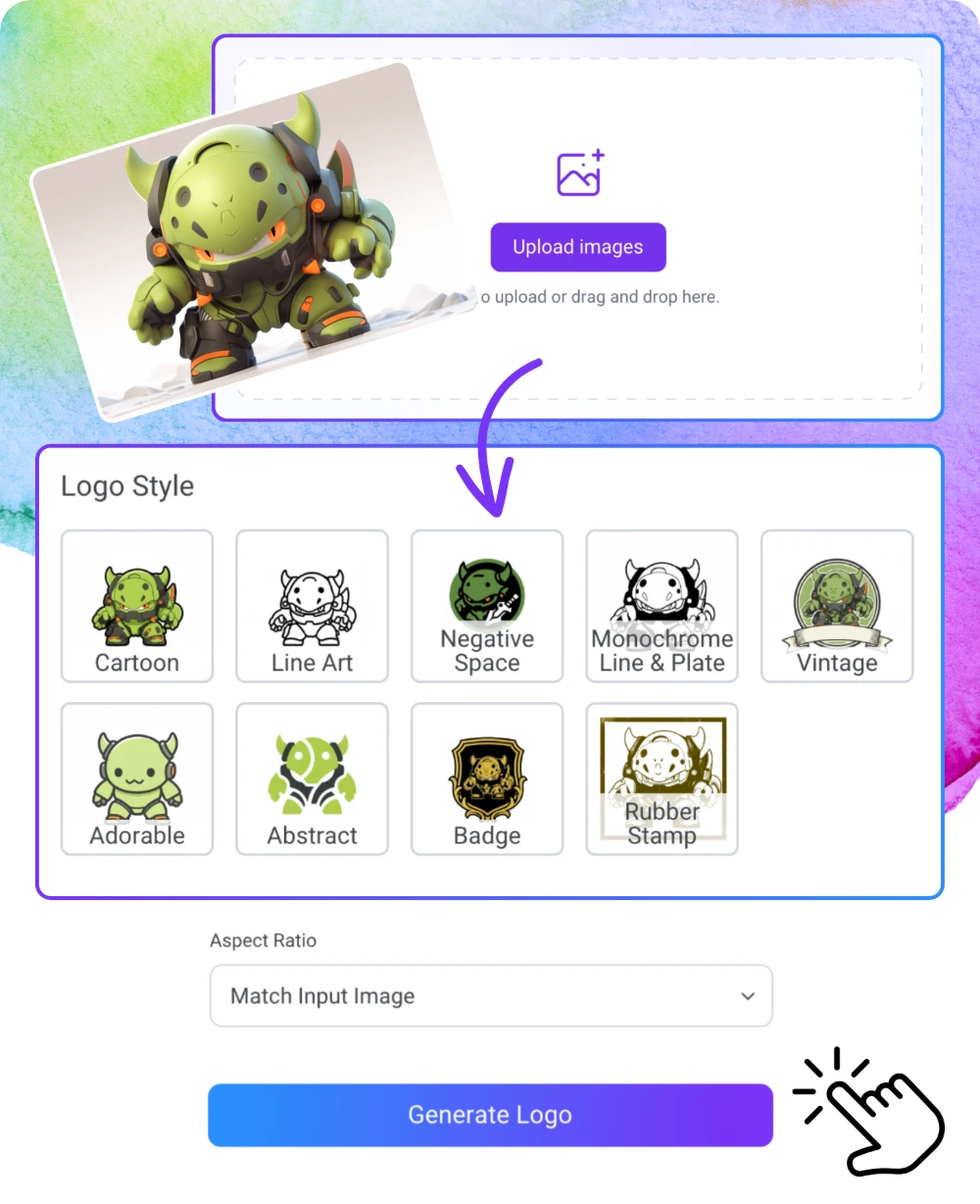
Click to upload or drag and drop here.


How to Use

Choose a photo of a person, object, pet, or product. For best results, keep the subject simple. The Image to Logo AI identifies the core shape and main colors.
Choose from preset styles or enter a short text description. The system will convert image to logo using both your picture and your style preferences.
Click Generate and let the AI create a polished logo in just seconds. Download your logo for branding, social media, online stores, or personal projects.
Features
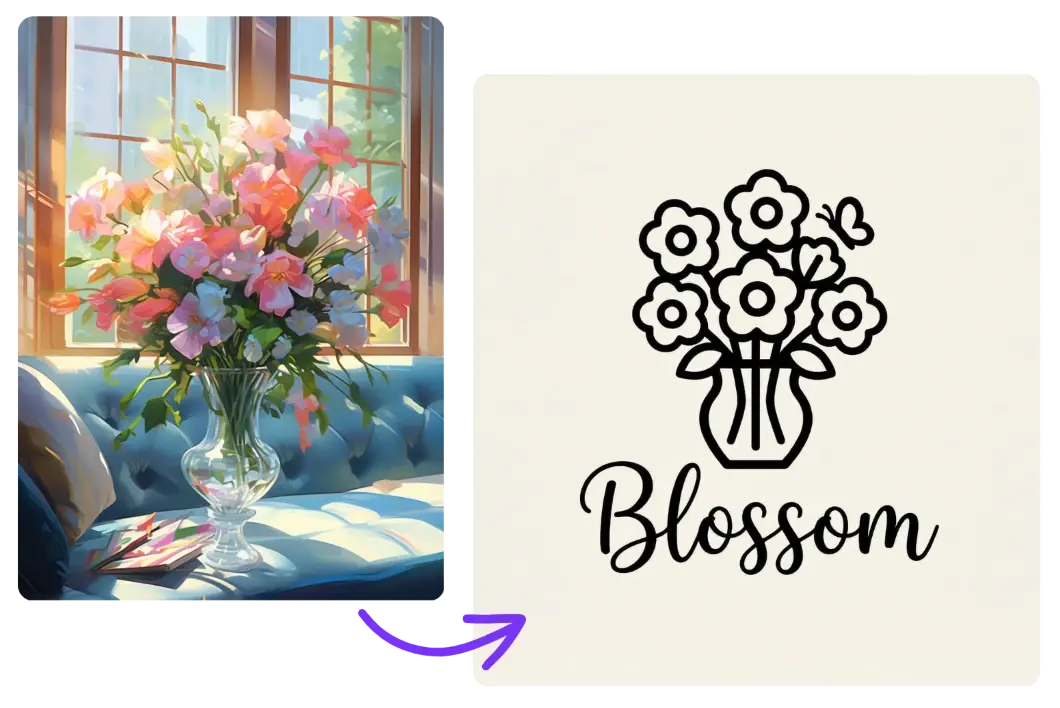
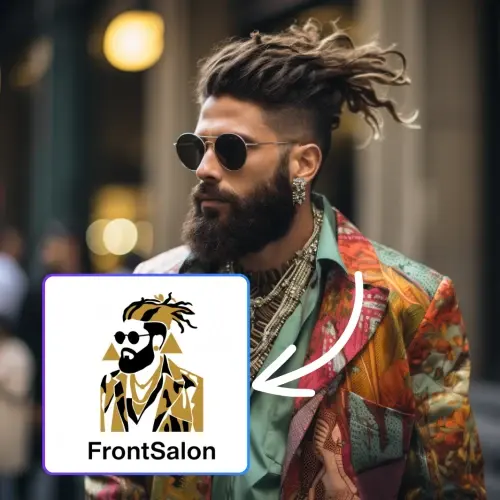
Our Image to Logo Converter focuses on structural simplification. It identifies the primary subject in your photo and converts it into a clean, minimal logo. Whether it's a product, a pet, a building, or your own portrait, the AI transforms it into a refined symbol with clear lines and balanced geometry.
Many users convert image to logo for social media profile pictures, small business branding, creator identity, or visual badges. This feature is especially helpful for people without design experience—just upload a photo, and the AI photo to logo engine will turn your inspiration into a polished mark instantly.
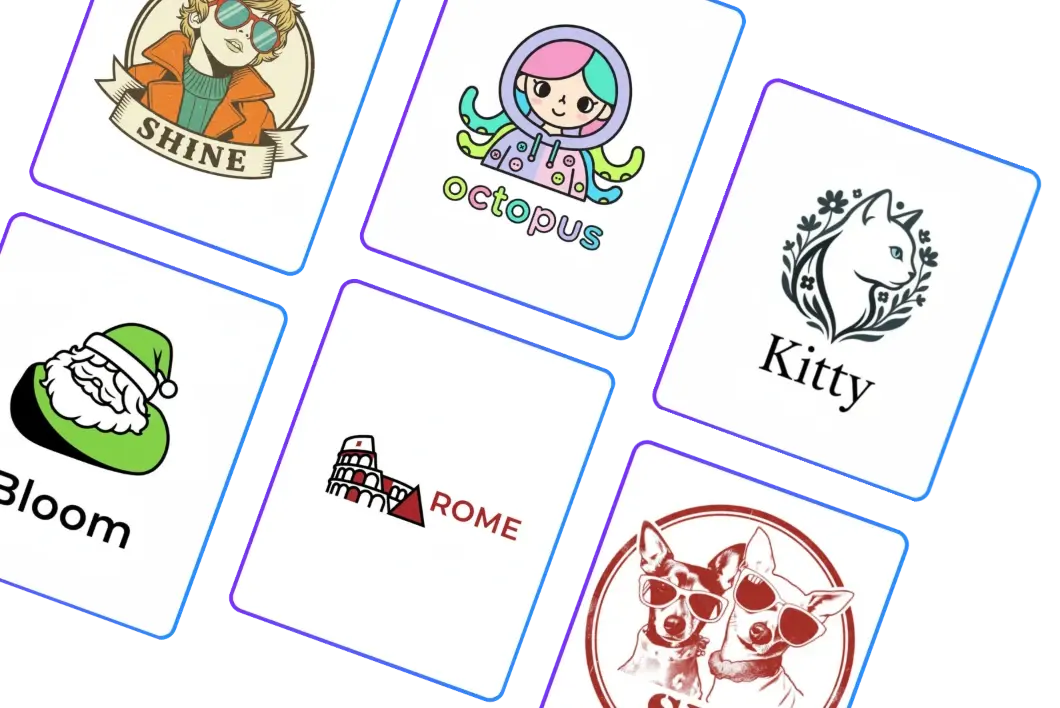
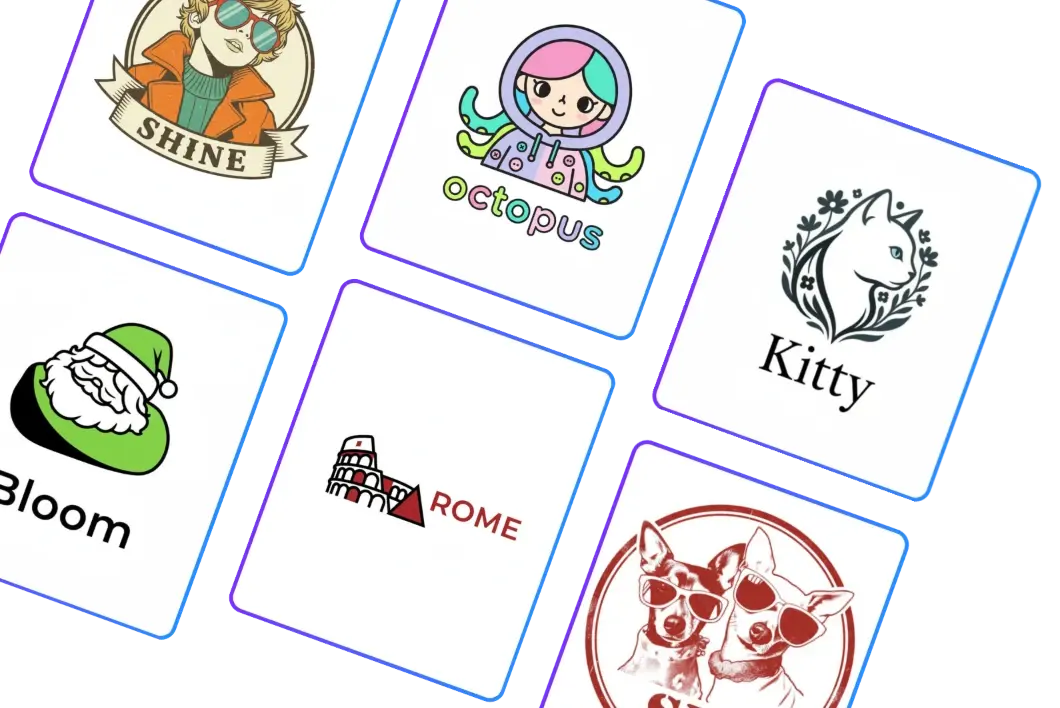
The Image to Logo engine supports multiple artistic styles, including geometric logos, icon-style logos, cartoon mascots, minimal monograms, and more. You can enter a few prompts or simply choose a preset style. The AI then blends your image with the requested direction, ensuring that the logo maintains the core identity of your reference photo. This is ideal for creators, e-commerce owners, content influencers, pet owners, and freelancers who want memorable visual identity. With our flexible image to logo converter, you can easily explore new styles and iterate rapidly without hiring a designer.
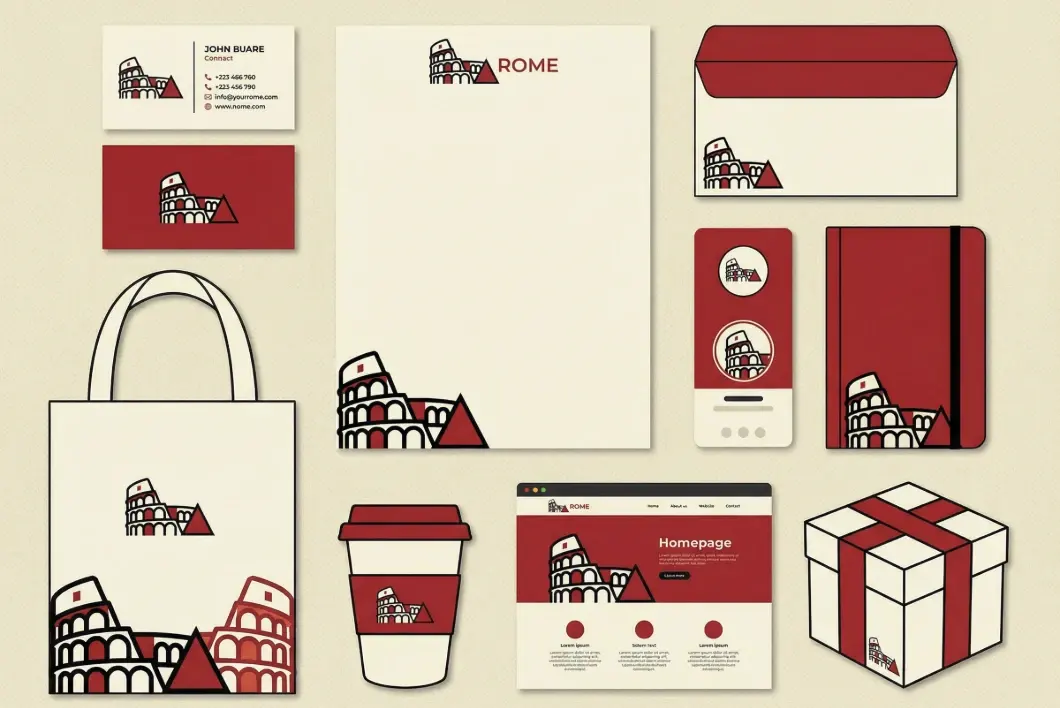
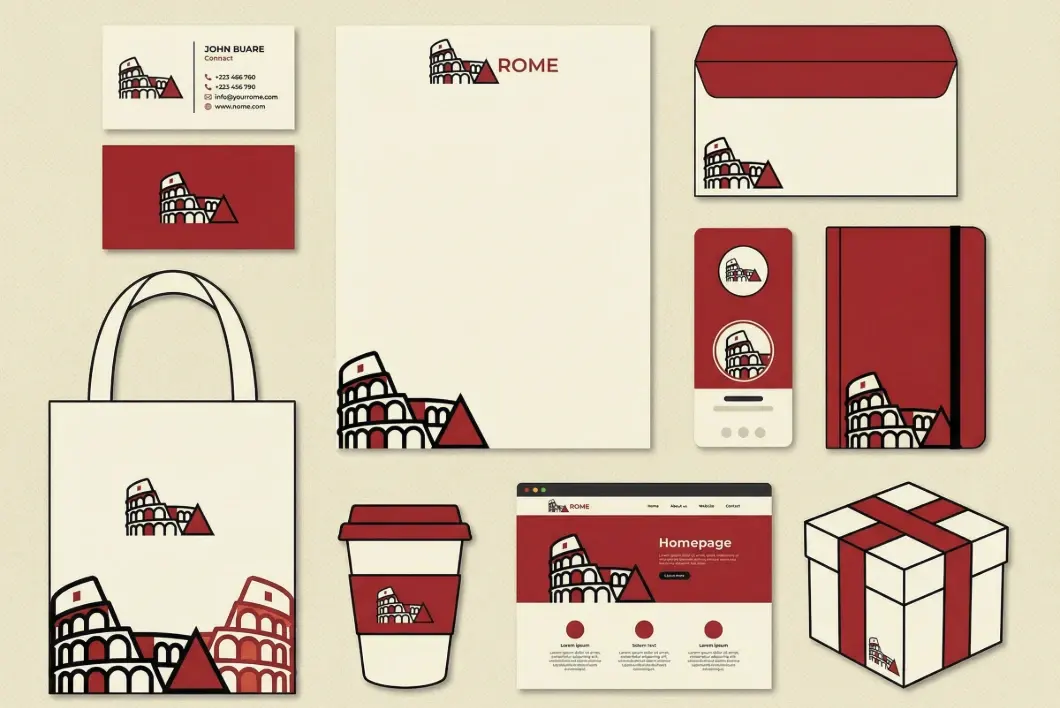
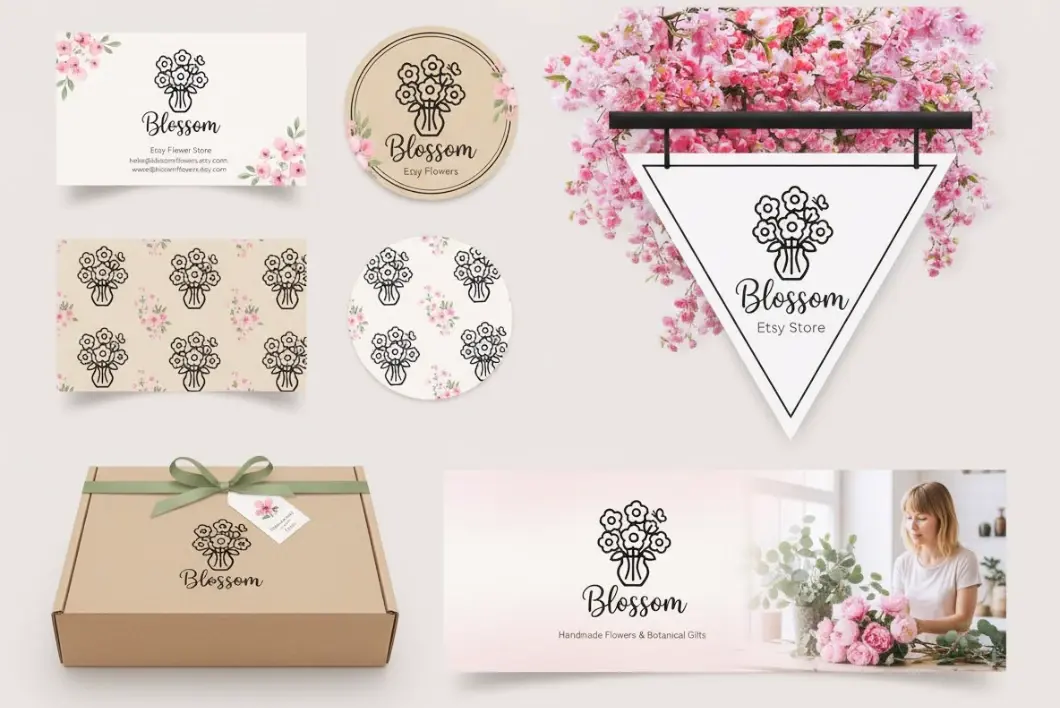
Unlike typical filters or artistic transformations, our Image to Logo Converter prioritizes clarity and scalability. The AI extracts key shapes, simplifies details, and enhances color contrast so that the final output works in both small and large formats. This makes the tool perfect for real branding scenarios—profile icons, product labels, business cards, packaging, and digital banners. You can convert image to logo for personal use or commercial projects, always obtaining a crisp and professional result that remains recognizable in any size.
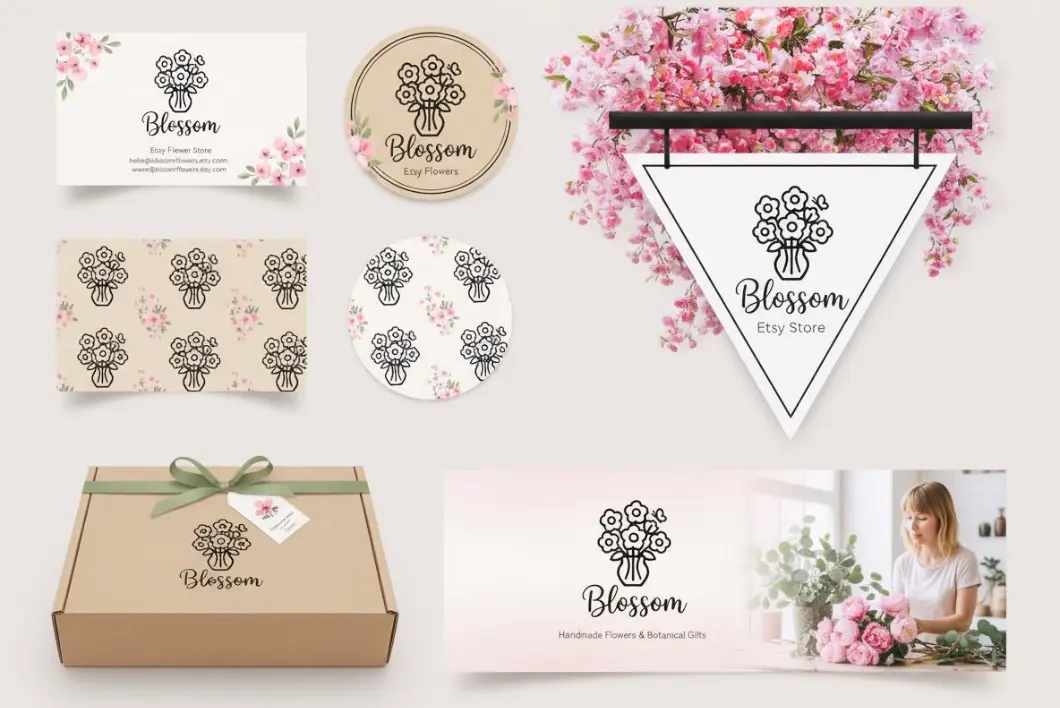
The Image to Logo Converter is built for real-world application workflows. Once you convert image to logo, the system provides immediate export options suitable for social media profile icons, Etsy shop logos, e-commerce store badges, creator branding, packaging stickers, or personal monograms. The AI photo to logo engine generates results in just seconds, making it ideal for users who want quick, polished output without waiting or learning design software. This speed also supports creative experimentation: upload multiple images, switch styles, and generate dozens of logo ideas in minutes. For beginners, small business owners, and creators, the converter offers a practical, fast, and accessible way to turn photo to logo while maintaining professional quality.
Upload a photo and let the AI Image to Logo Converter turn your inspiration into a clean, professional logo instantly.
FAQs
The Image to Logo tool helps turn real photos, reference items, or inspiration images into visual identities. You can convert image to logo for brands, personal avatars, online stores, or social content without design skills.
The converter offers geometric, minimal, abstract, icon-style, cute, and mascot-style outputs. Unlike simple filters, the Image to Logo AI simplifies shapes and extracts essential elements to produce clean logos.
Yes. The Image to Logo Converter is currently free to use.
You can export common logo ratios for social media, brand icons, shop profiles, or product labels.
It currently uses Google's Nano Banana model for image structuring and logo simplification.
Small business owners, creators, students, designers, influencers, e-commerce sellers, pet owners—anyone who wants to convert image to logo easily.
Yes, all uploads remain private and are never used for training.
Yes. You can use the Image to Logo results for commercial branding.